
1. Introduction
My first foray into game development was a top-down sci-fi shoot 'em up (shmup) for Windows PC. The core concept revolved around piloting a hover-capable spaceship that could seamlessly move over both land and sea environments.
I started this personal project to push beyond the boundaries of what I typically do in my full-time role as a Unity software developer. I wanted to gain hands-on experience with areas of the Unity engine and C# programming that I don’t often use professionally. My hope was that by experimenting on my own, I could bring back fresh ideas, techniques, and capabilities to apply at work, ultimately broadening what my employer can offer to clients.
After completing many online tutorials and courses that were focused on shaders, visuals and graphics, I was looking for something more substantial, something that would challenge me with real-world, cross-disciplinary problems. Game development brings together technical, creative, and even project management skills, making it an ideal way to stretch myself.
I didn’t set out to build a commercially released game, (spoiler: I didn’t finish or release one either). As a first attempt, it naturally ended up more like a tech demo than a complete product, but the process itself was the real goal.
This was a solo effort from start to finish, including brainstorming, design, development, coding, and testing. I worked on the project from April 2022 until November 2023.
2. Project Goals & Vision
The vision for the project was rooted in my love of science fiction, gaming, and the outdoors. I wanted to create a world that combined futuristic themes with natural landscapes, something that would allow me to flex both technical and creative muscles. Building an explorable environment was essential to the concept, and I saw it as a canvas for gameplay as well as a way to deepen my understanding of shaders, terrain systems, and environmental design.
3. Development Process
Tools & Technologies
-
Engine & Language: Unity (2021 & 2022), C#, Visual Studio.
-
Unity Packages: URP (Forward rendering path), Shader Graph, Visual Effect Graph, Terrain Tools, ProBuilder, Cinemachine, Input System (new), UI Toolkit, Post Processing.
-
Assets & Plugins:
-
Terrain & Environment: MicroSplat, Ultimate StampIT! terrain stamps, Stylized Water 2, Volumetric Lights 2, Volumetric Fog & Mist 2, Cloud Shadows, Radial Blur, MegaFiers, NatureManufacture textures and models.
-
Gameplay Tools: Dreamteck Splines, Easy Collider Editor, HelpMePlace, Quantum Console.
-
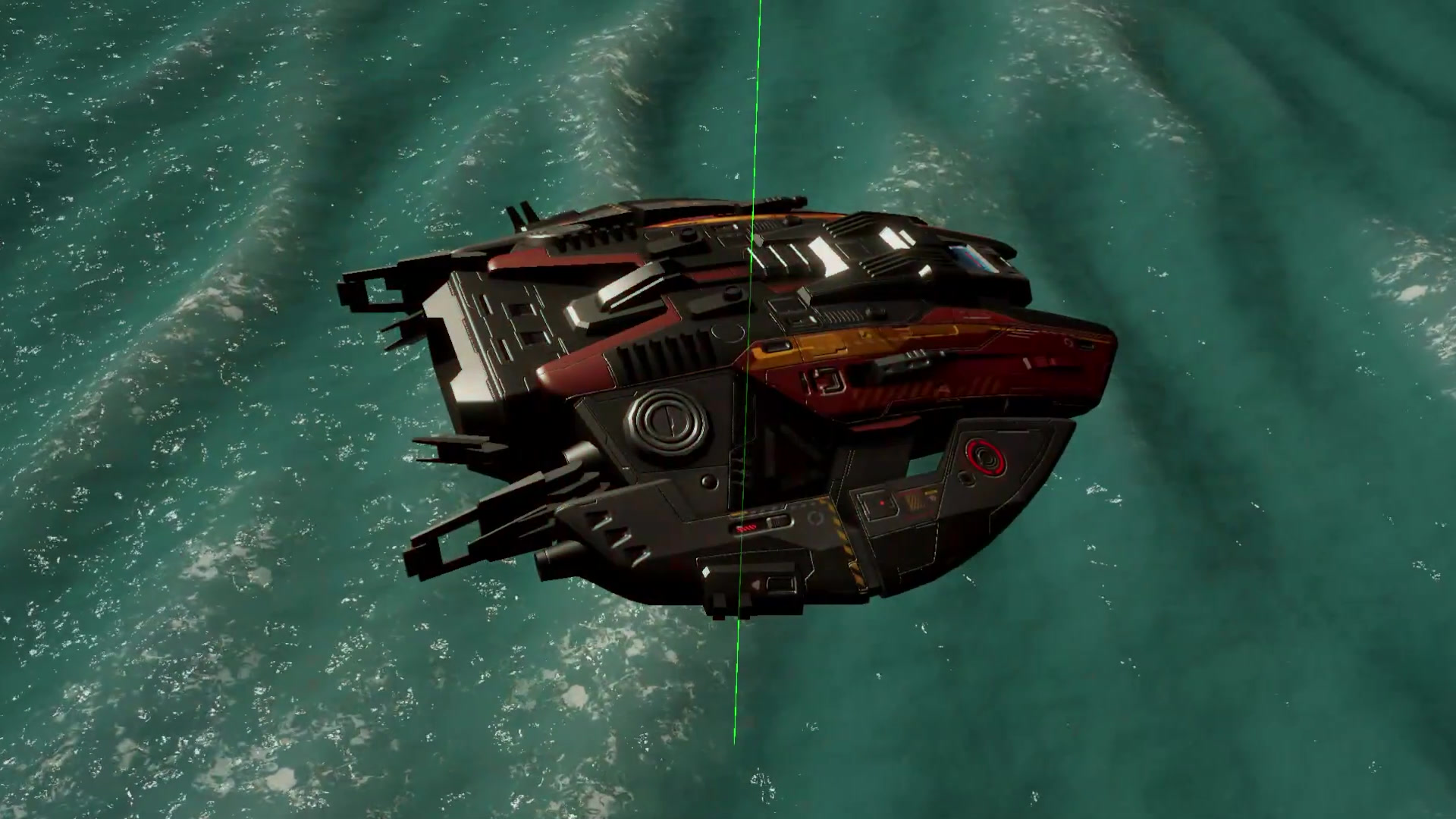
Models & Audio: Spaceship models by CGPitbull, sound effects from various libraries.
-
Core Features
-
Ship movement and rotation with momentum
-
Collisions with enemies and terrain, including ramming damage and knockback.
-
Weapons: laser guns and rockets
-
Objects such as rocks and wreckage that are moveable only via rocket explosion
-
Physics-driven object interactions (e.g. domino effects from explosions)
-
Score tracking and health system
-
Power-ups for weapons and health
-
Dynamic lighting conditions and a functional searchlight
Challenges & Solutions
Boundary Handling:
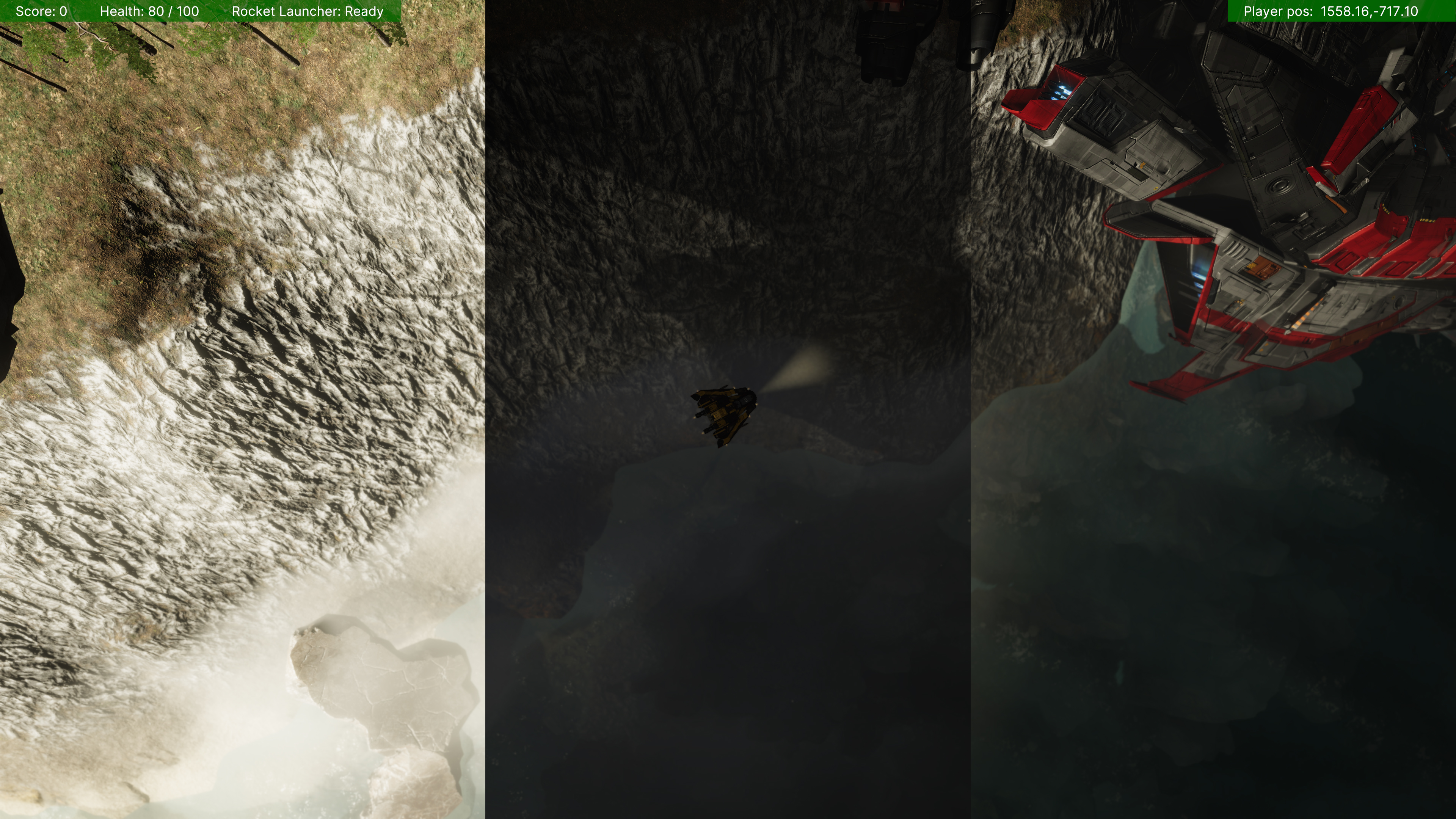
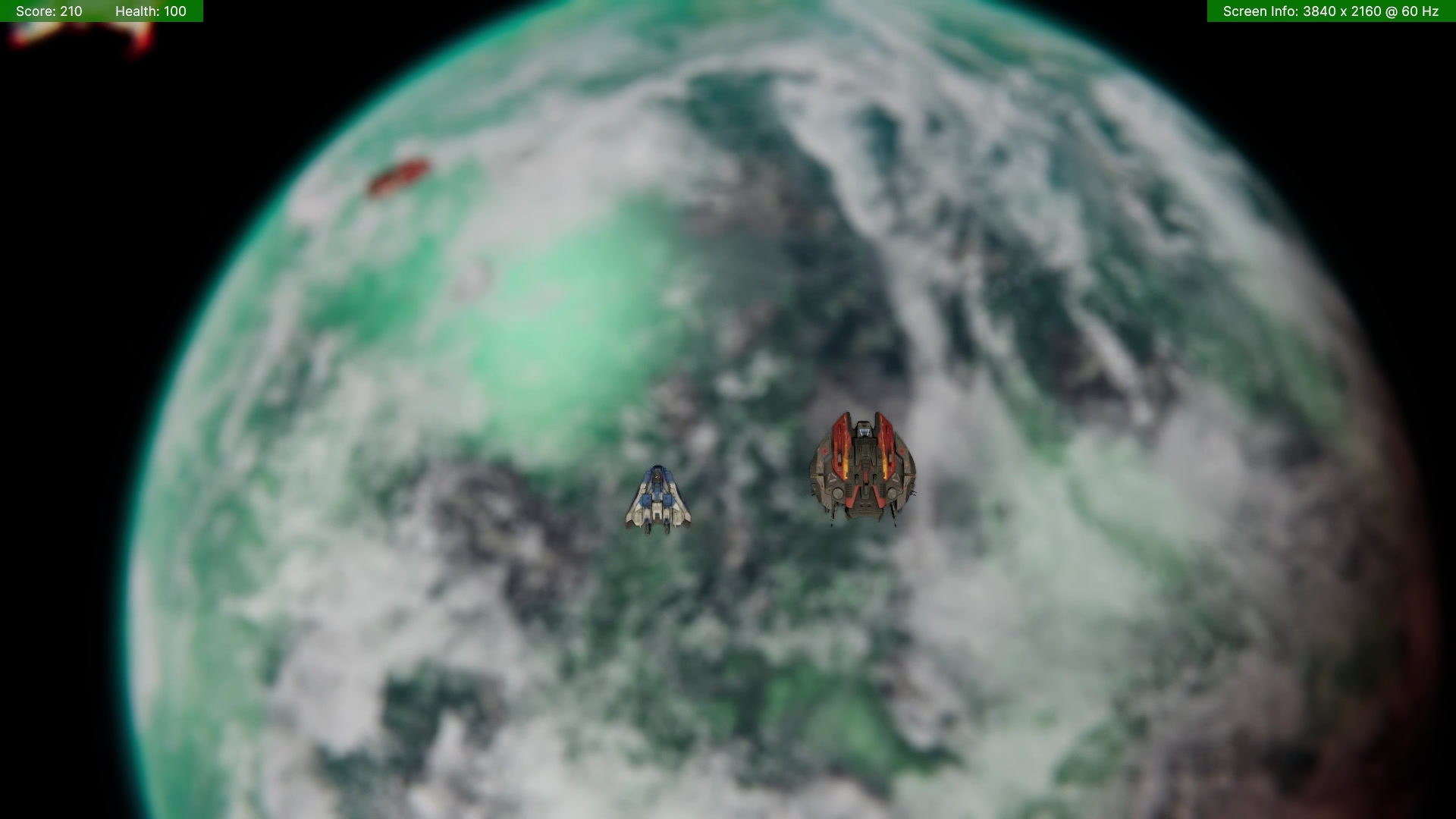
To prevent players from moving beyond the edge of the world, I considered a fuel-limiting mechanic but decided against it. Instead, I created a visual boundary effect: as players approach the edge, the ambient lighting darkens and the view becomes increasingly blurred and distorted. Movement is blocked at the edge, and the visual distortion emphasizes the boundary without using physical terrain barriers.
Searchlight Visibility Bug:
The player’s searchlight was incorrectly shining through terrain and large objects, illuminating and casting shadows where they should be occluded. After digging through documentation and forums, I discovered that setting Shadows > Cascade Count > Last Border to 0 in the URP asset resolved the issue.
Safe Spawn Locations:
To ensure enemies and power-ups didn’t spawn inside other objects or below the terrain, I combined Physics.Linecast to check terrain height / obstacles, followed by Physics.OverlapSphere to confirm enough clear space. I used the NonAlloc versions of physics methods where possible to minimize garbage collection.
Explosion Line of Sight:
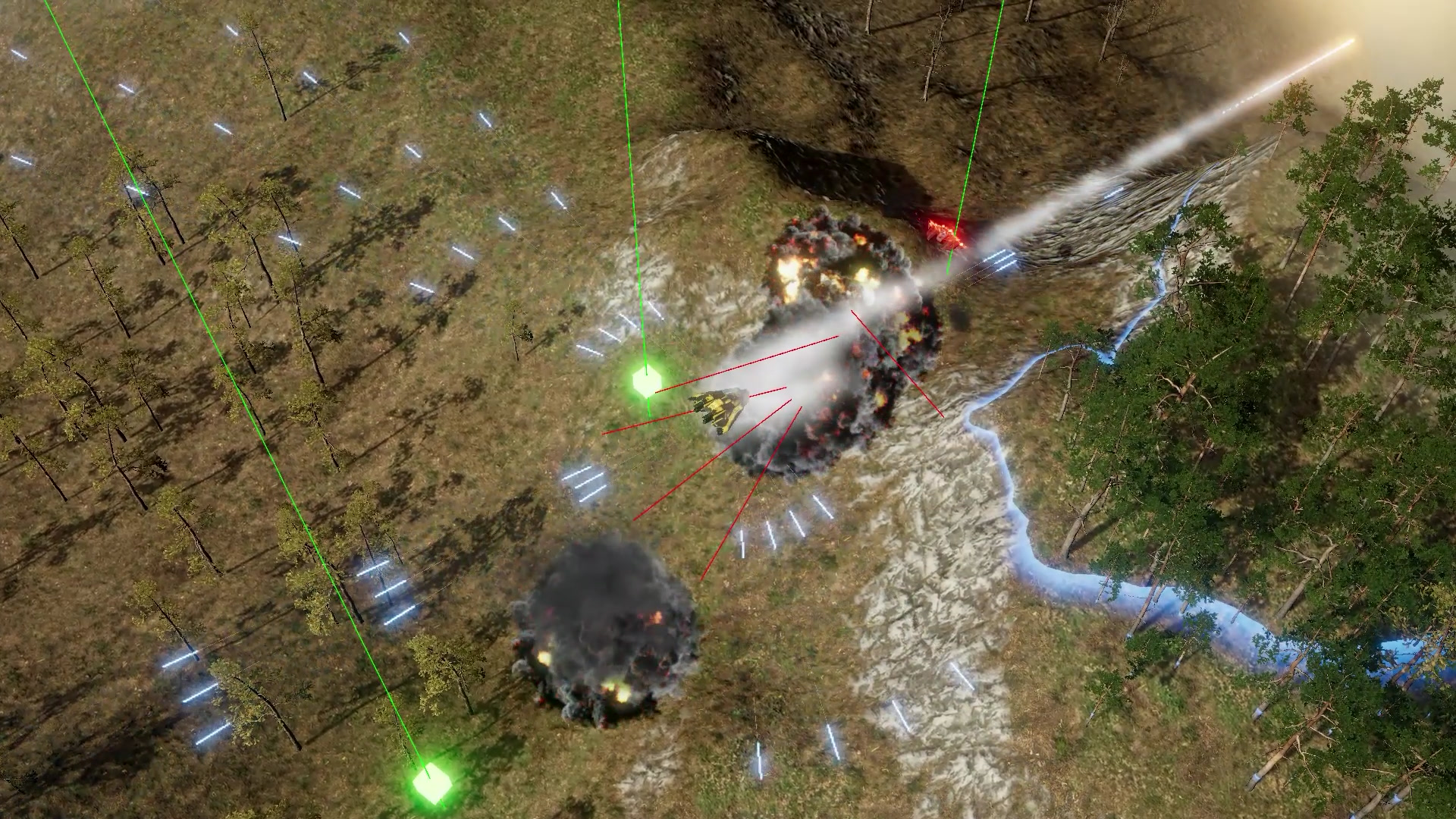
Rocket explosions were wrongly damaging all nearby enemies, even those occluded by terrain. I corrected this by first identifying nearby enemies with Physics.OverlapSphere, then performing a Physics.Linecast to check if they had direct line of sight to the explosion. Damage is now only applied if the enemy has a direct line of sight, and the amount of damage scales with distance.
Collision Awareness for Players:
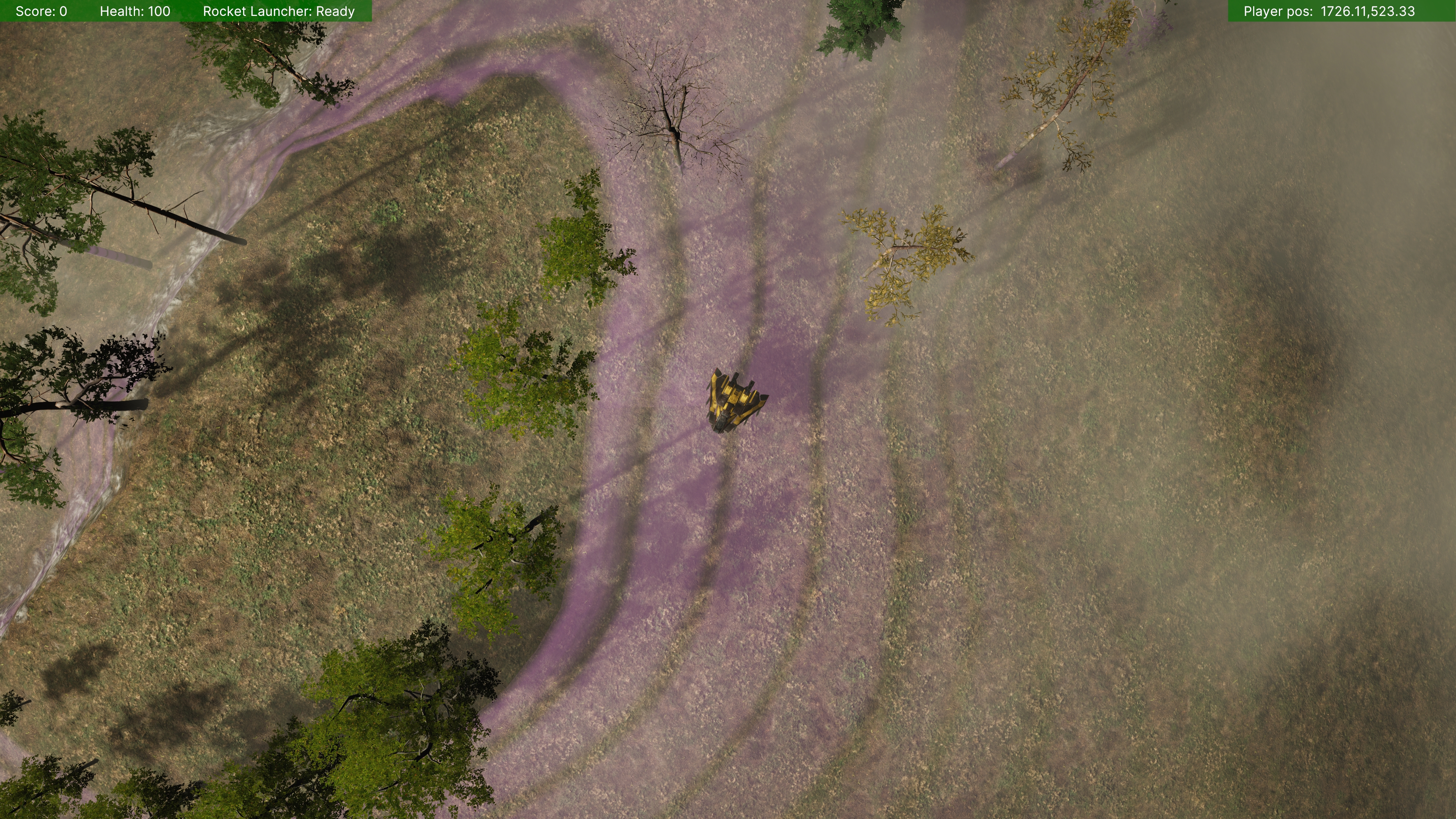
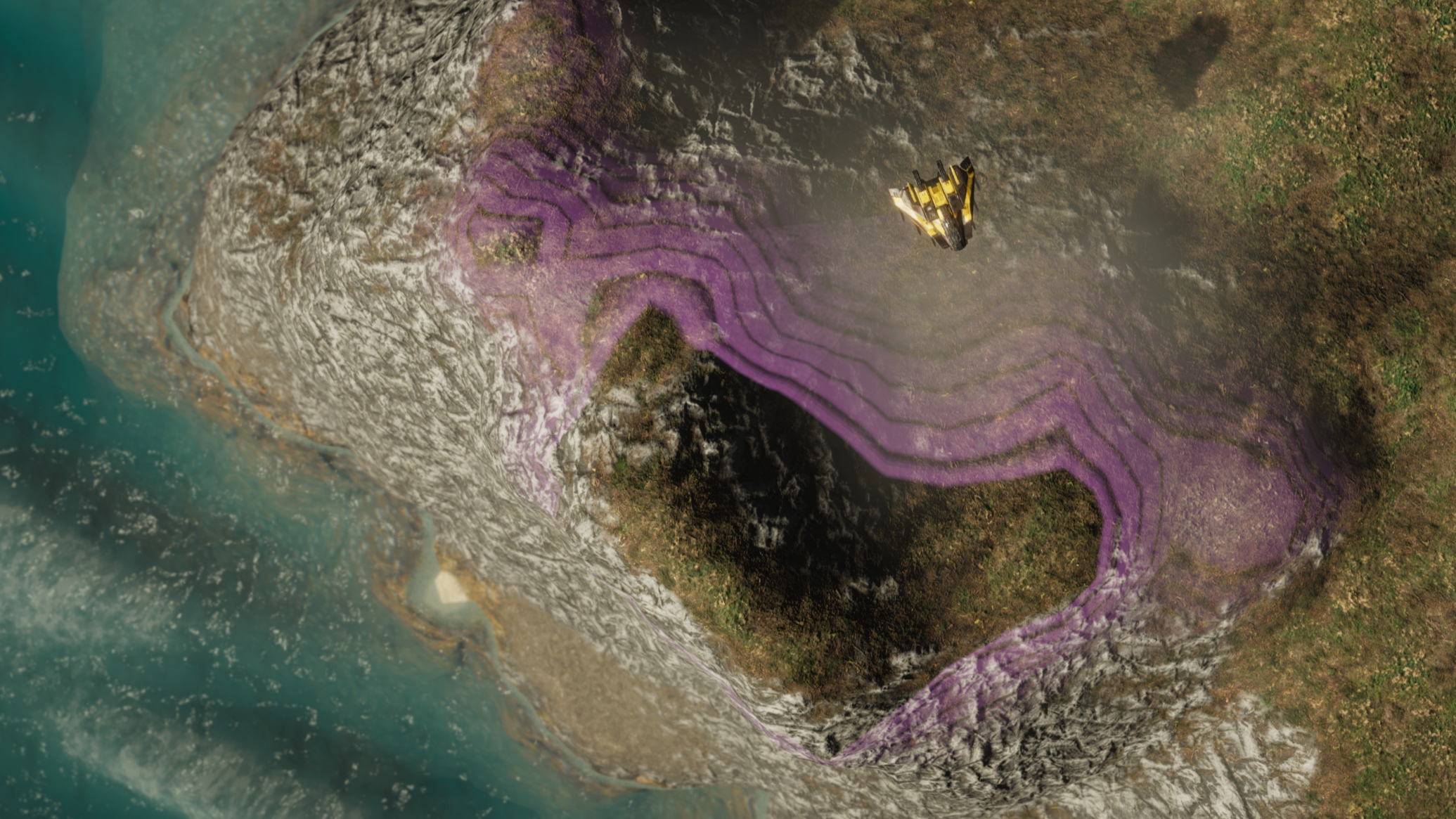
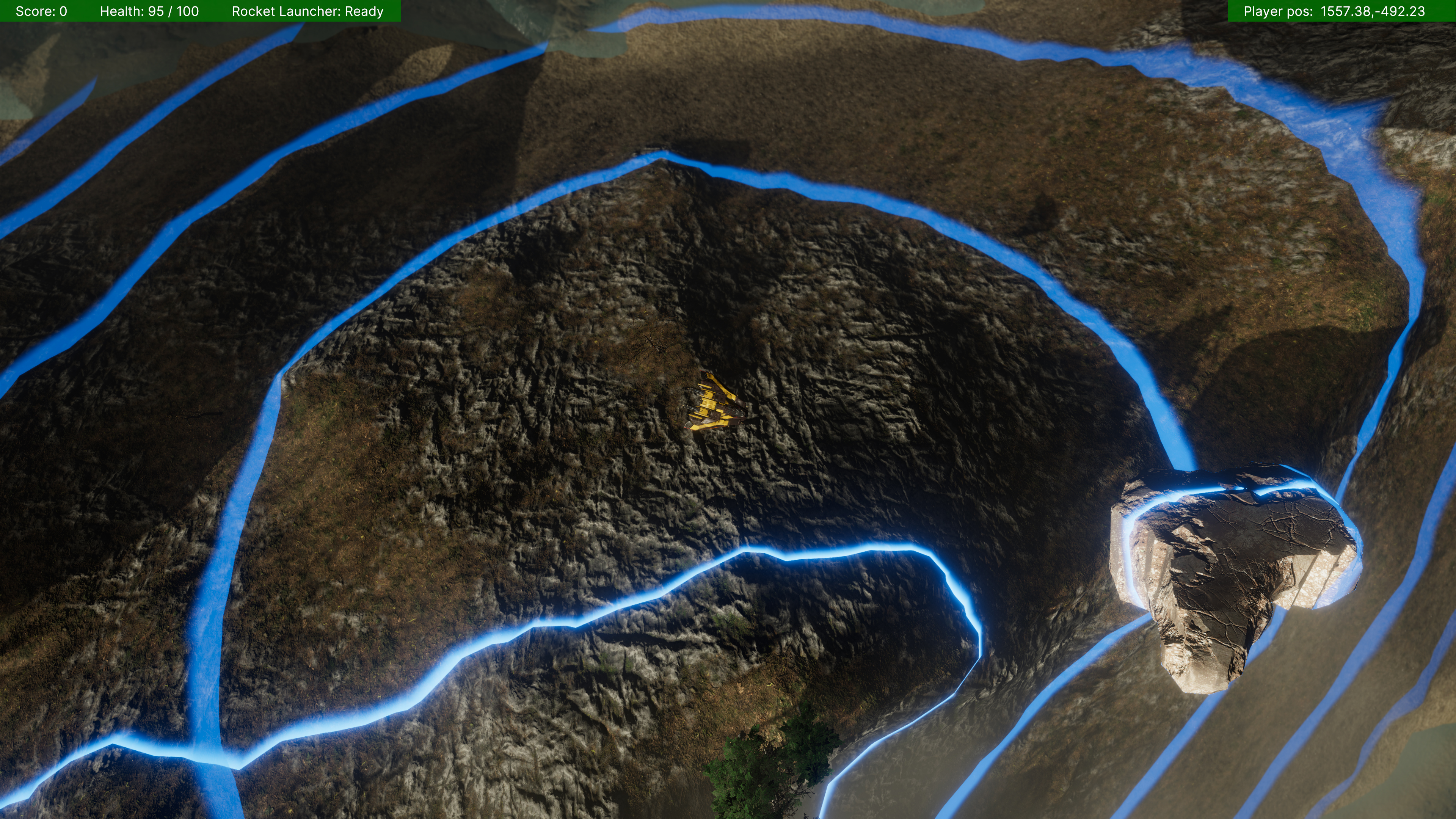
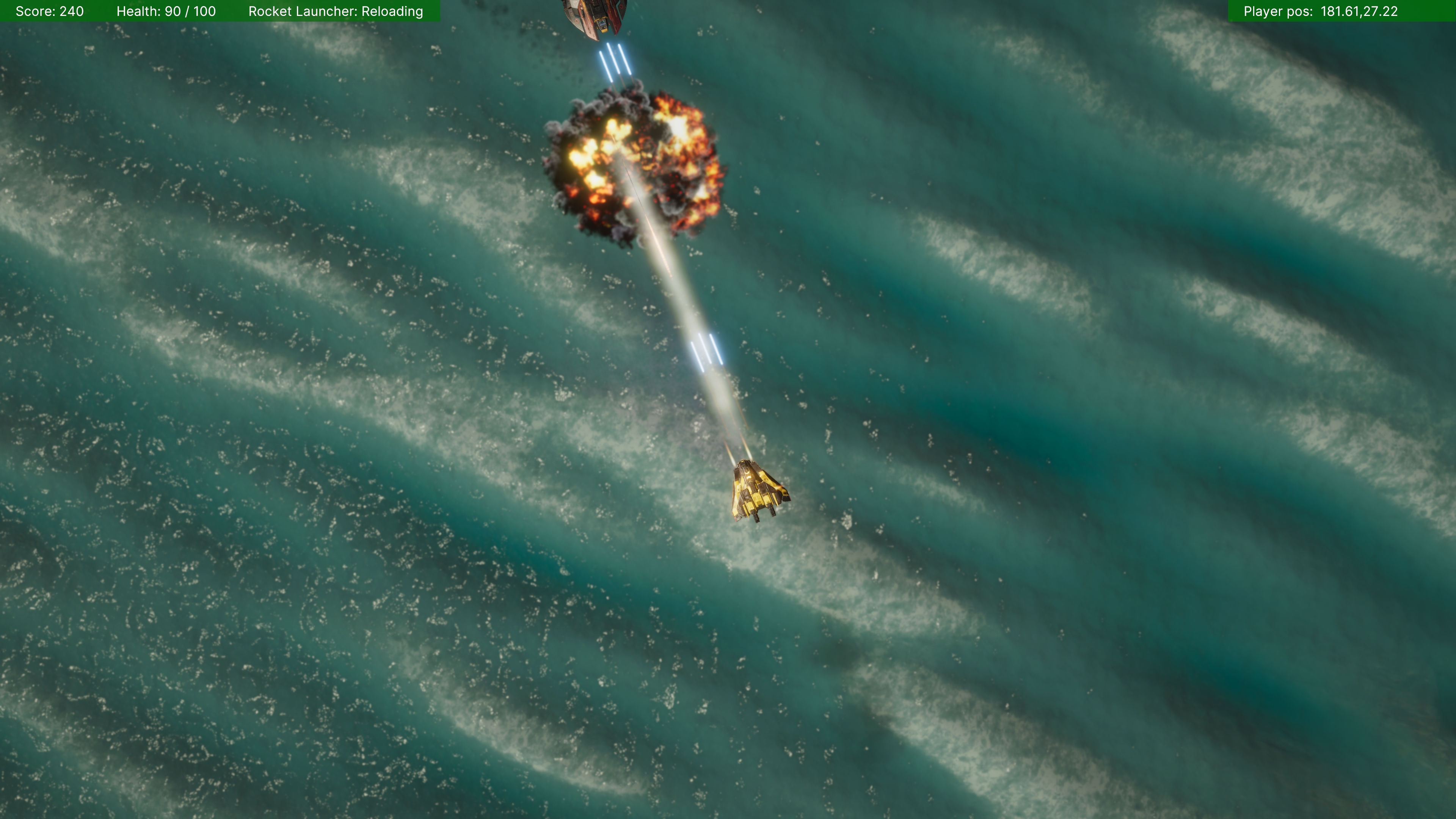
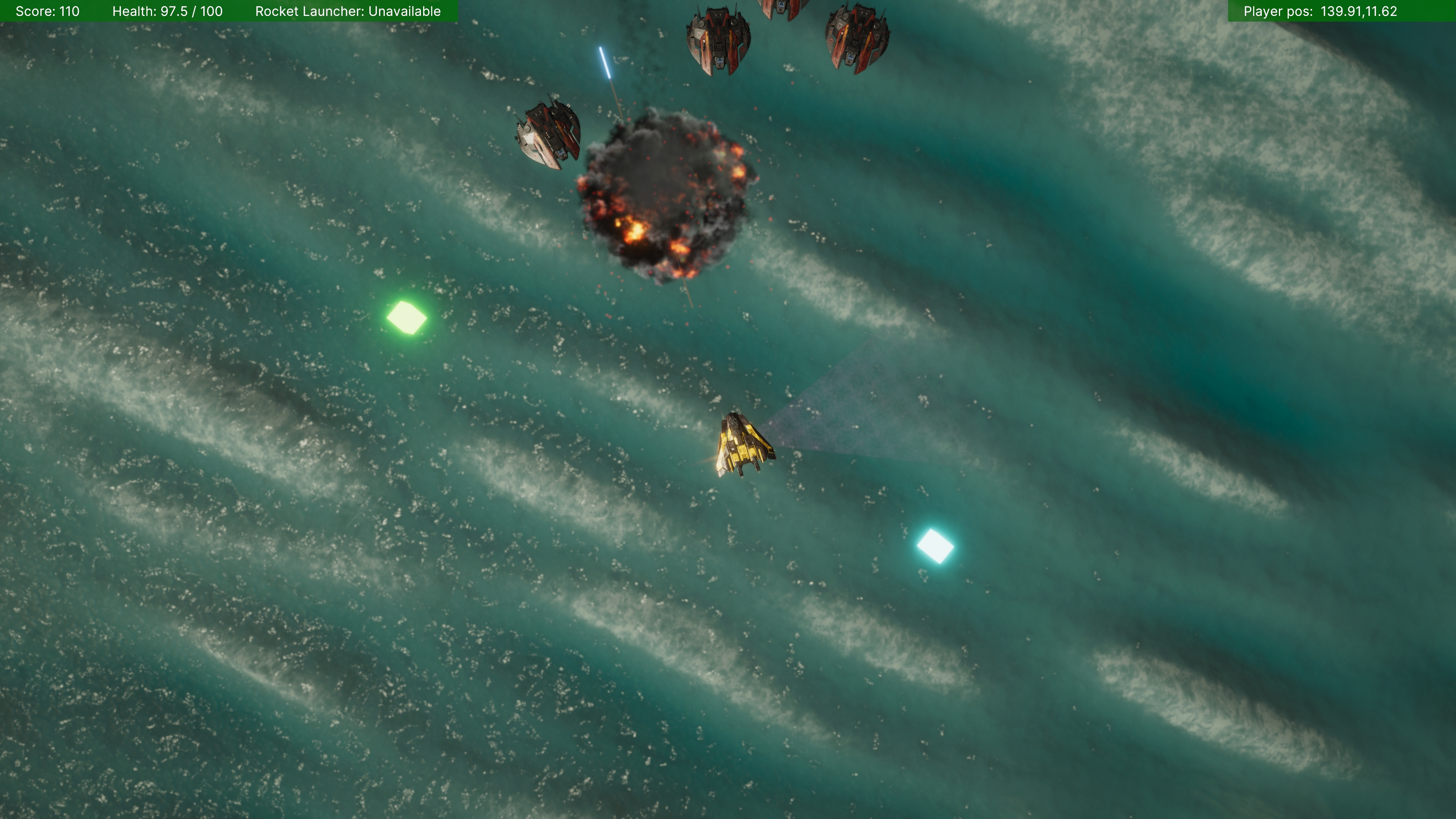
User testers struggled with avoiding terrain and obstacles at the same altitude as them. My initial passive solution, a pink contour shader, was too subtle. I redesigned this as an active scanning system: players can trigger an altitude scan that sends out blue pulsing waves to highlight nearby objects at the same elevation. The highlights last for several seconds before fading away, improving spatial awareness without visual clutter.
Rapid In-Game Tuning with Quantum Console:
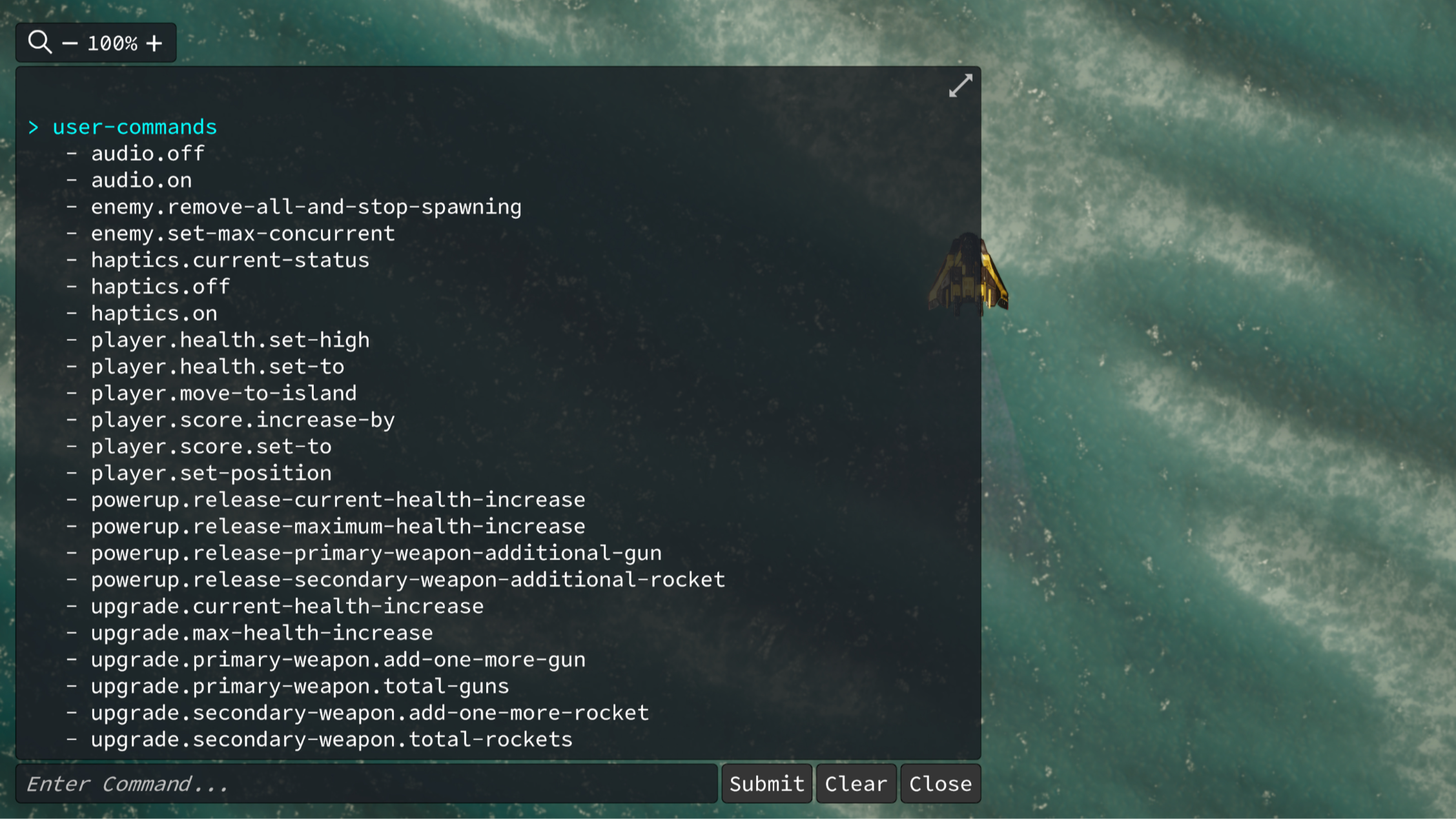
To quickly tweak settings during development and playtesting, I integrated Quantum Console, which allowed real-time changes to health, weapons, enemy spawns, player location, and more. This sped up iteration significantly.
Rocket Reload Feedback:
To communicate rocket cooldowns, I combined a reloading sound with a visual effect: when reloaded, the rockets visibly pulse as they reappear on the ship. This helped players intuitively understand when rockets were ready to fire again.
Plugin Compatibility Issues:
At one point, Volumetric Fog & Mist 2 stopped displaying shadows. I worked directly with the developer (Kronnect) to isolate the issue, report it, and confirm the fix after an update. It was caused by a changed shader keyword in a specific version of Unity, and the developer had not realised this.
Later, Quantum Console stopped working entirely. With the developer’s help, we traced the issue to a conflict with an unrelated plugin (DoTween’s spiral component), which had invalid reflection data. Updating the DoTween plugin resolved the issue with Quantum Console.
Prototyping & Iteration
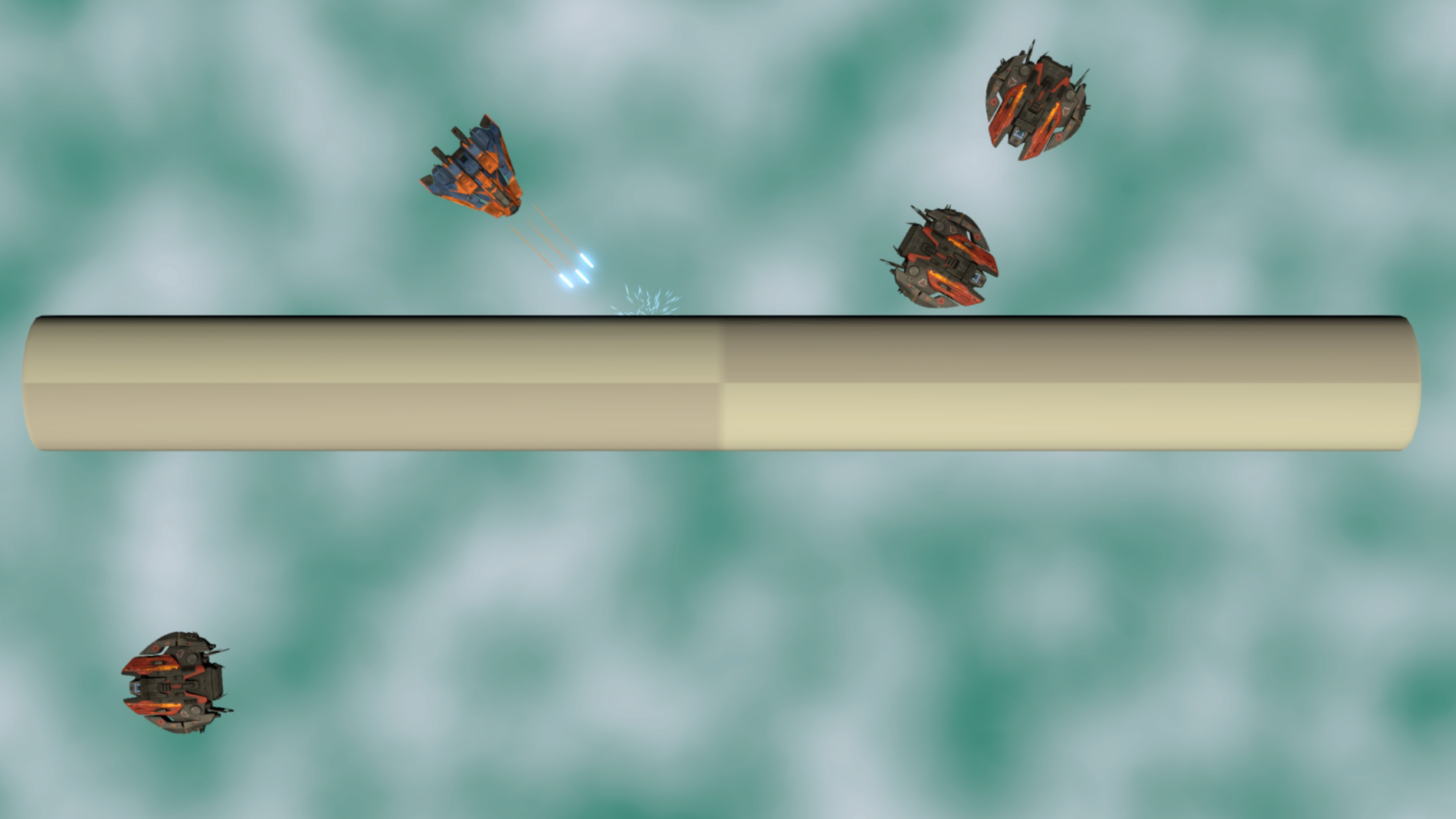
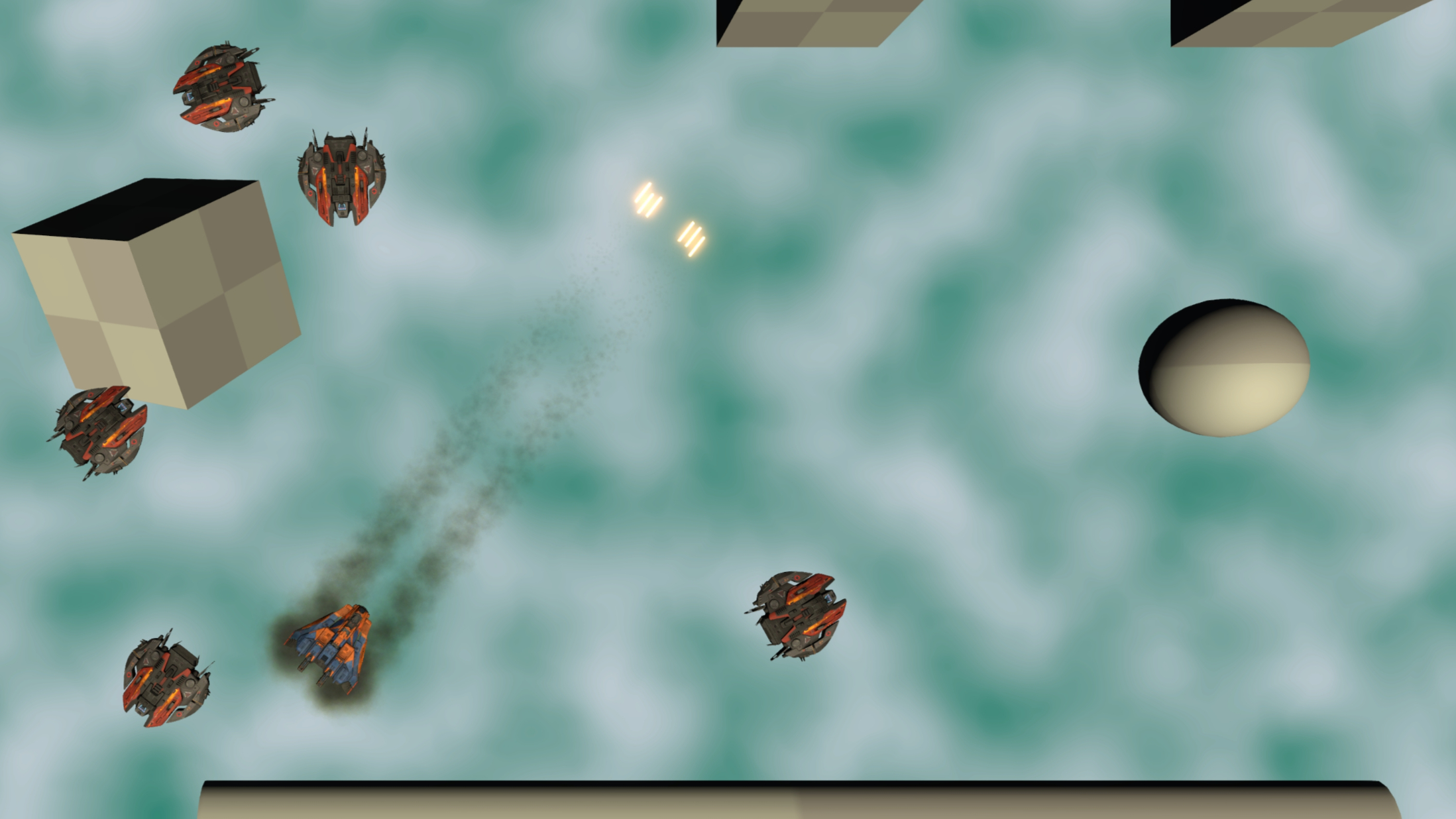
From the very start my game went through some fundamental design changes. Initially starting out as a vertically scrolling shooter set in space, I realised after a month or two that I didn’t want to continue it as a vertically scrolling shooter, because the enemy encounters might feel a bit too ‘scripted’. I wanted to try something a bit more open-ended, so I reworked it to give the player free movement in any direction, but still as a top-down shooter. The player could also move up and down through four distinct altitude zones: underwater, above the water / land, above the clouds, and in space. The transition to and from space felt a bit odd, and so I dropped this zone fairly quickly, but kept the other three. After a few months of development with three altitude zones, the major issue I came up against was the player not knowing what they might collide with before they transition up or down into another altitude. After discussions with other play testers, I decided (reluctantly), to drop the multiple altitude feature and just have one altitude instead, above the water / land. This was after about three and a half months into development.
Playtesting feedback was crucial. I regularly brought builds to a local monthly game dev meetup, which created helpful deadlines and a great feedback loop. The control system was the most discussed topic, especially momentum and yaw handling with joypads. Feedback varied widely, and I realised that customisable input settings would be essential if the game were to be released.
The ability to rapidly adjust game parameters using Quantum Console proved invaluable for these user testing sessions, allowing changes to health, weapons, enemy spawning, player position, and turning haptics on and off.
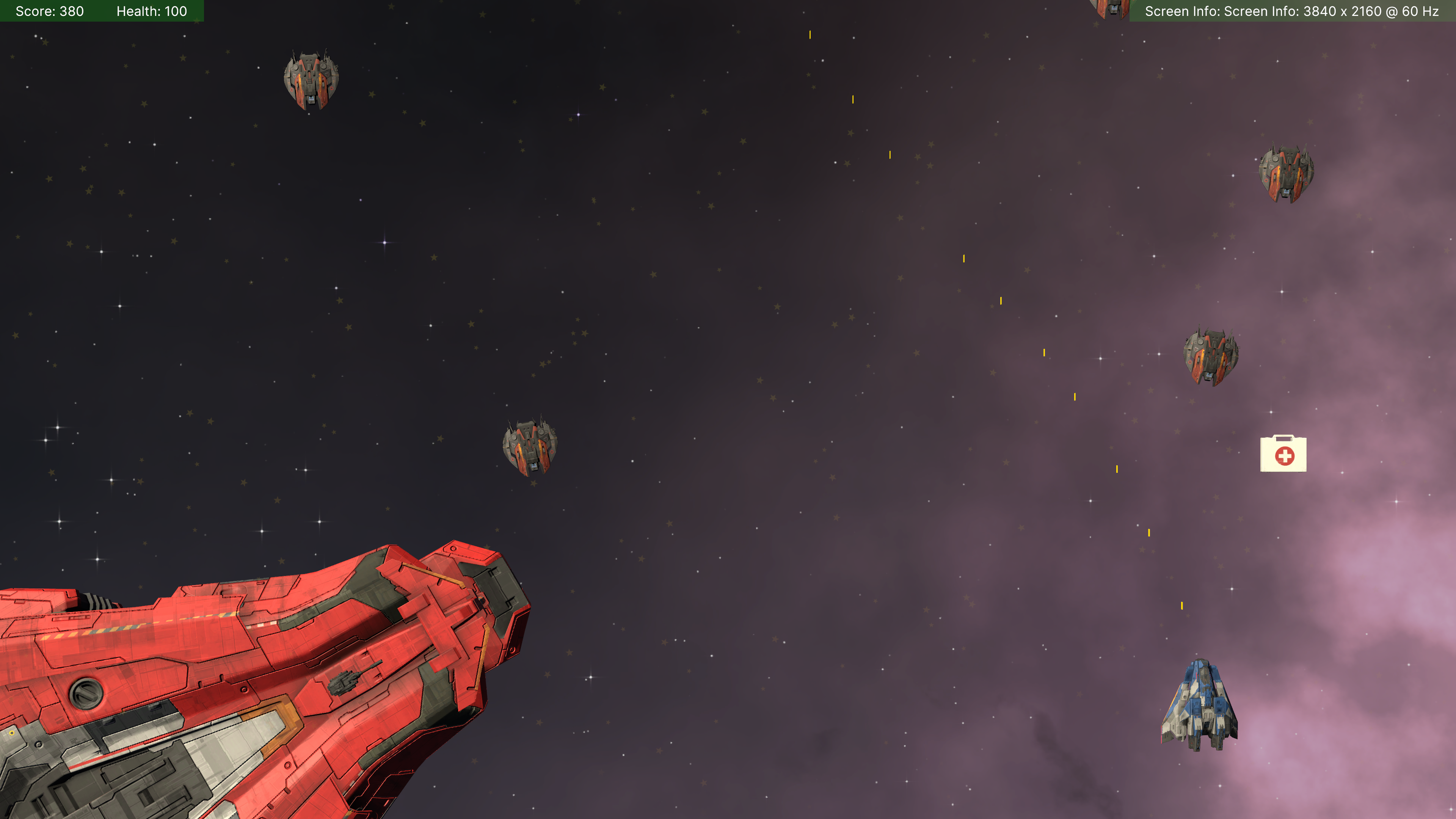
4. Technical Breakdown
Player Movement
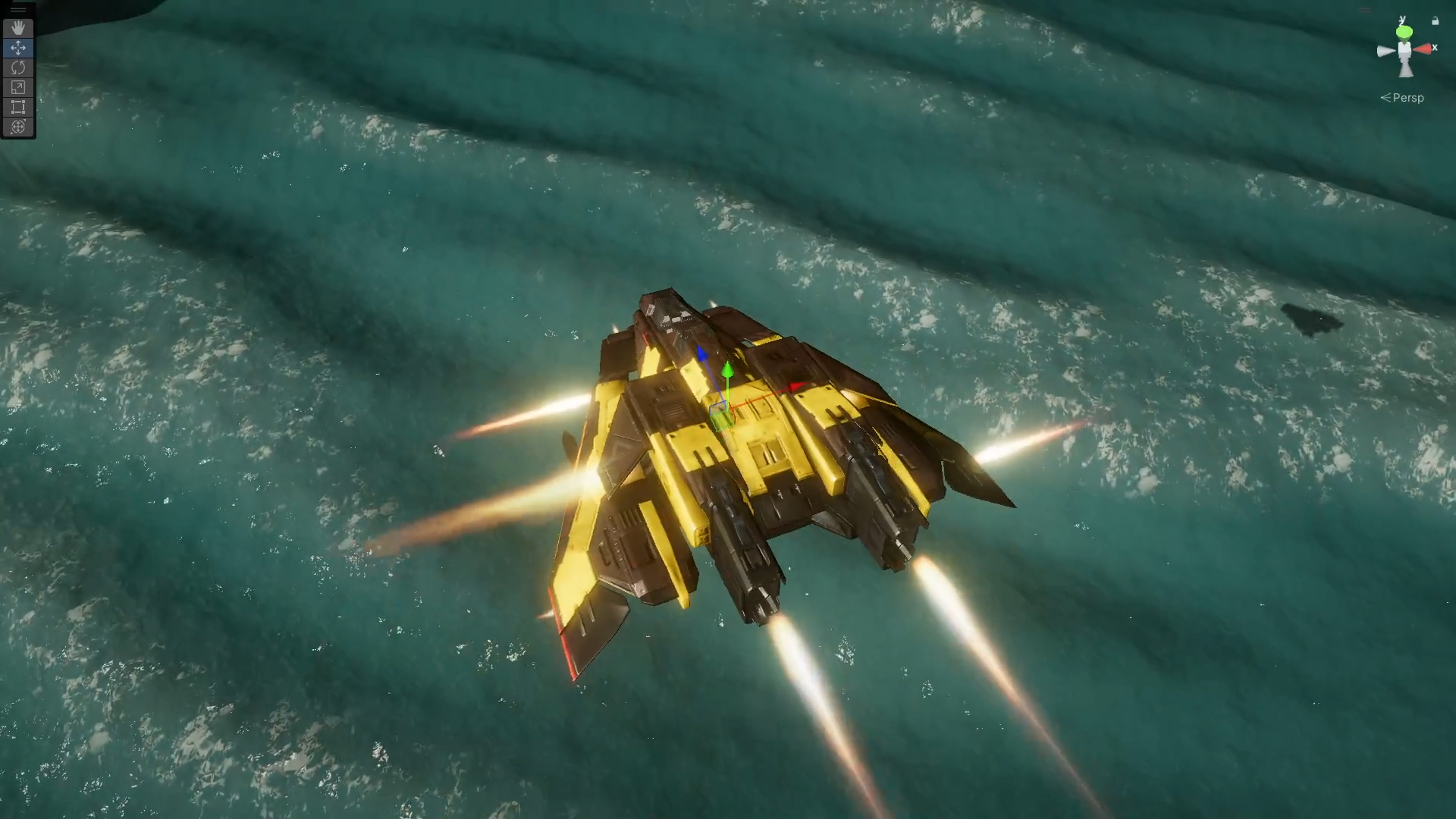
Using Unity’s New Input System, I created controls for both keyboard and joypad, with flexibility to tweak bindings later. The player ship moves along the X and Z axes and can yaw around the Y axis, similar in feel to the classic Asteroids.
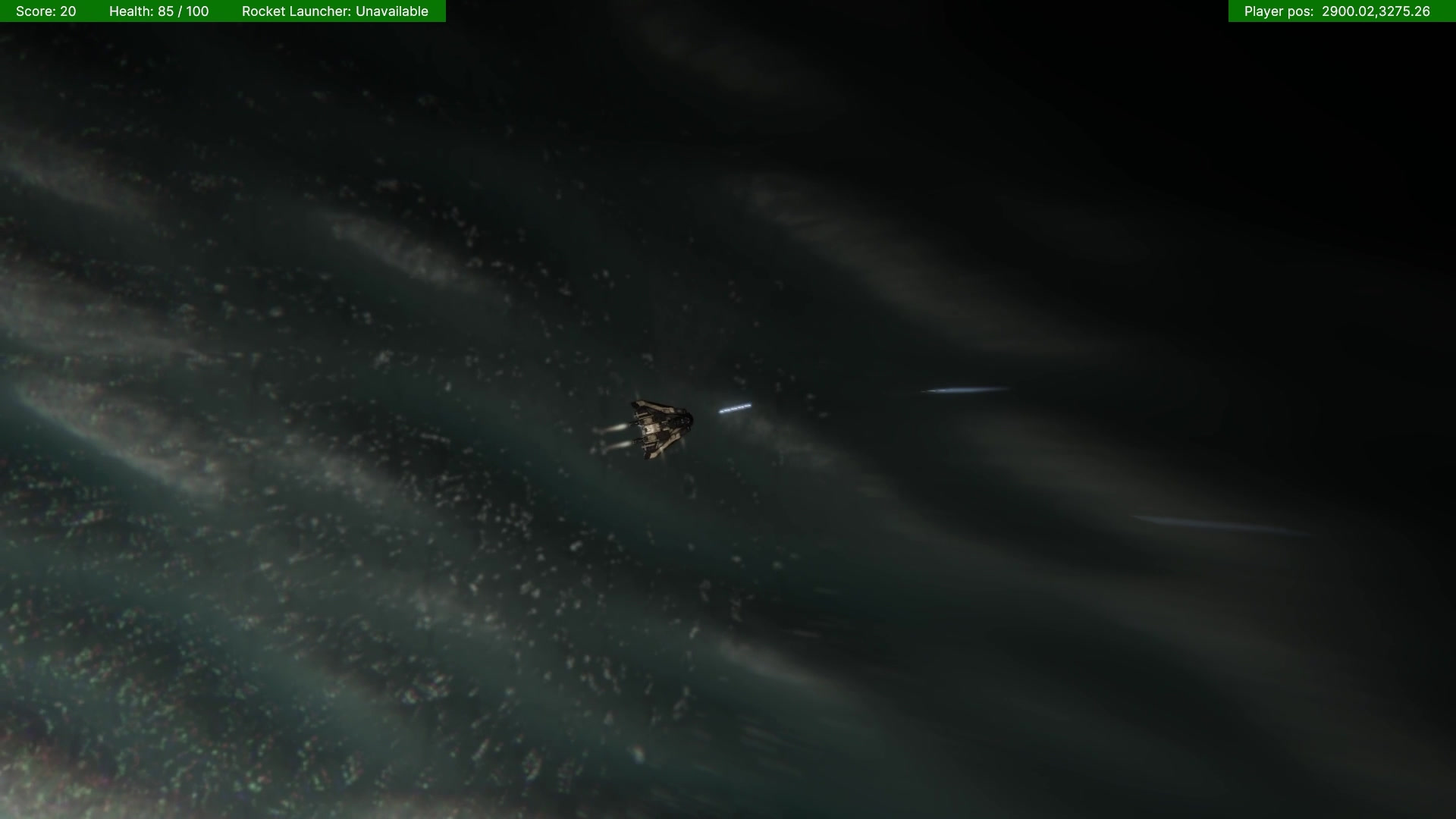
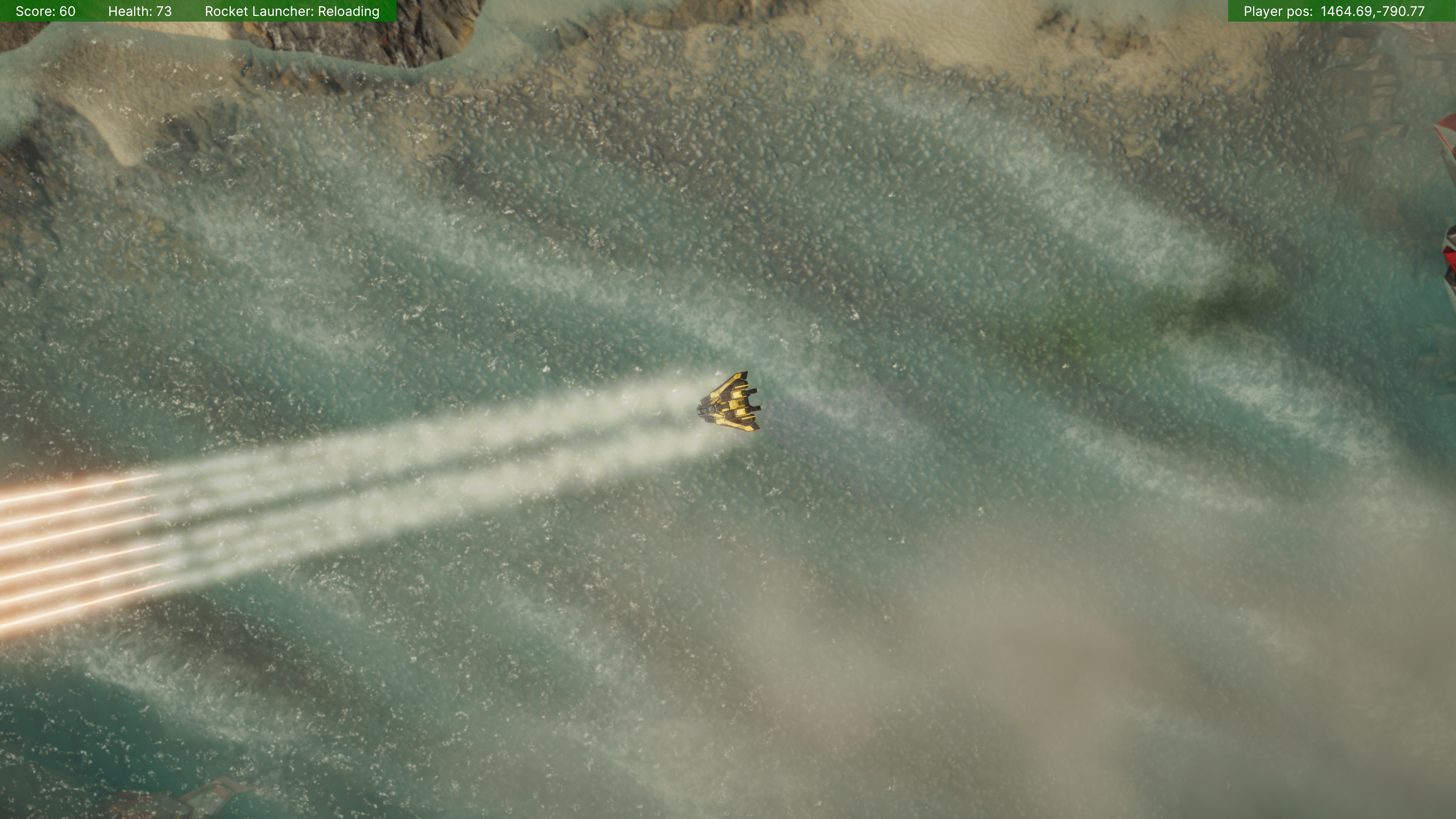
To visually reinforce movement, I rigged the ship on a gimbal using a child transform. This allows the model to rotate subtly in multiple axes relative to its movement. I added thruster flames via the Visual Effect Graph, placed at key points around the ship, which burn up and down in sync with movement and yaw.
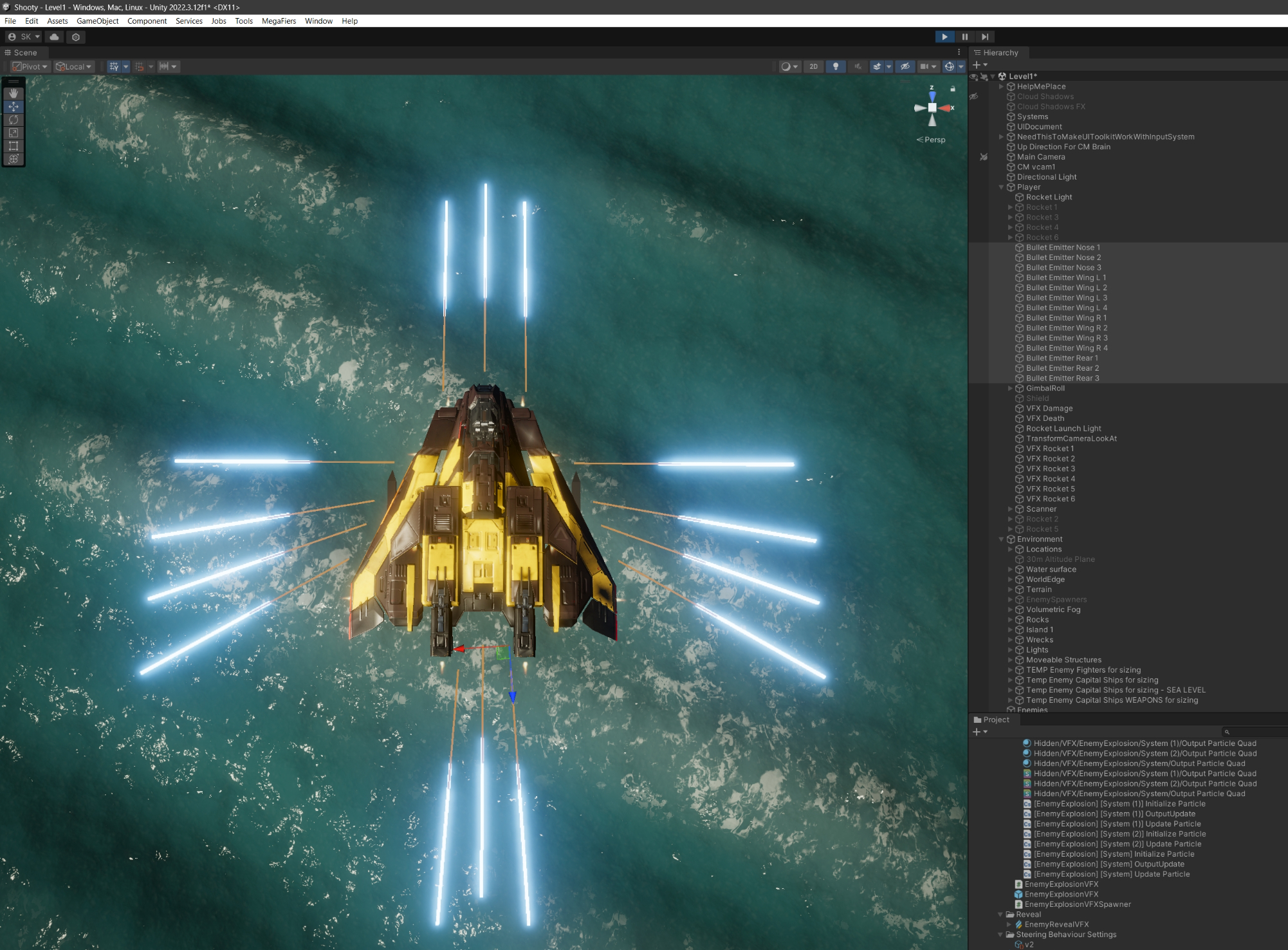
Player Laser Guns
-
The player starts with one forward-facing laser gun; up to 14 can be unlocked via power-ups.
-
Projectiles are physics-based and spawned under a shared bullet container transform.
-
I used object pooling to manage bullet instances efficiently.
-
A “collision splash” VFX is triggered at contact points, oriented to the collision normal, for clear feedback.
-
Gun positions and directions are defined using individual transform components on the ship, allowing fast iteration.
-
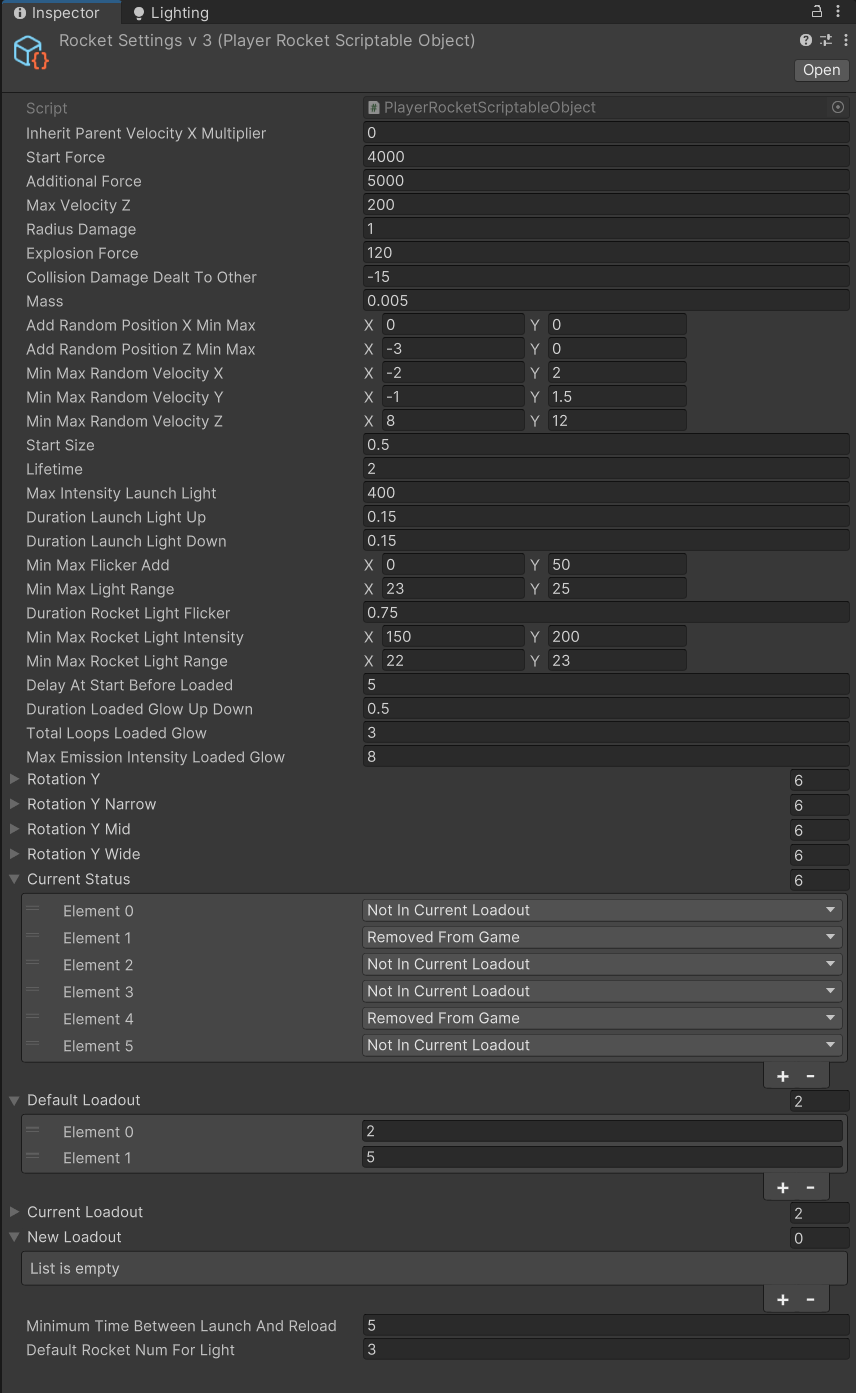
Scriptable objects control gun layouts, allowing quick enabling and disabling of configurations.
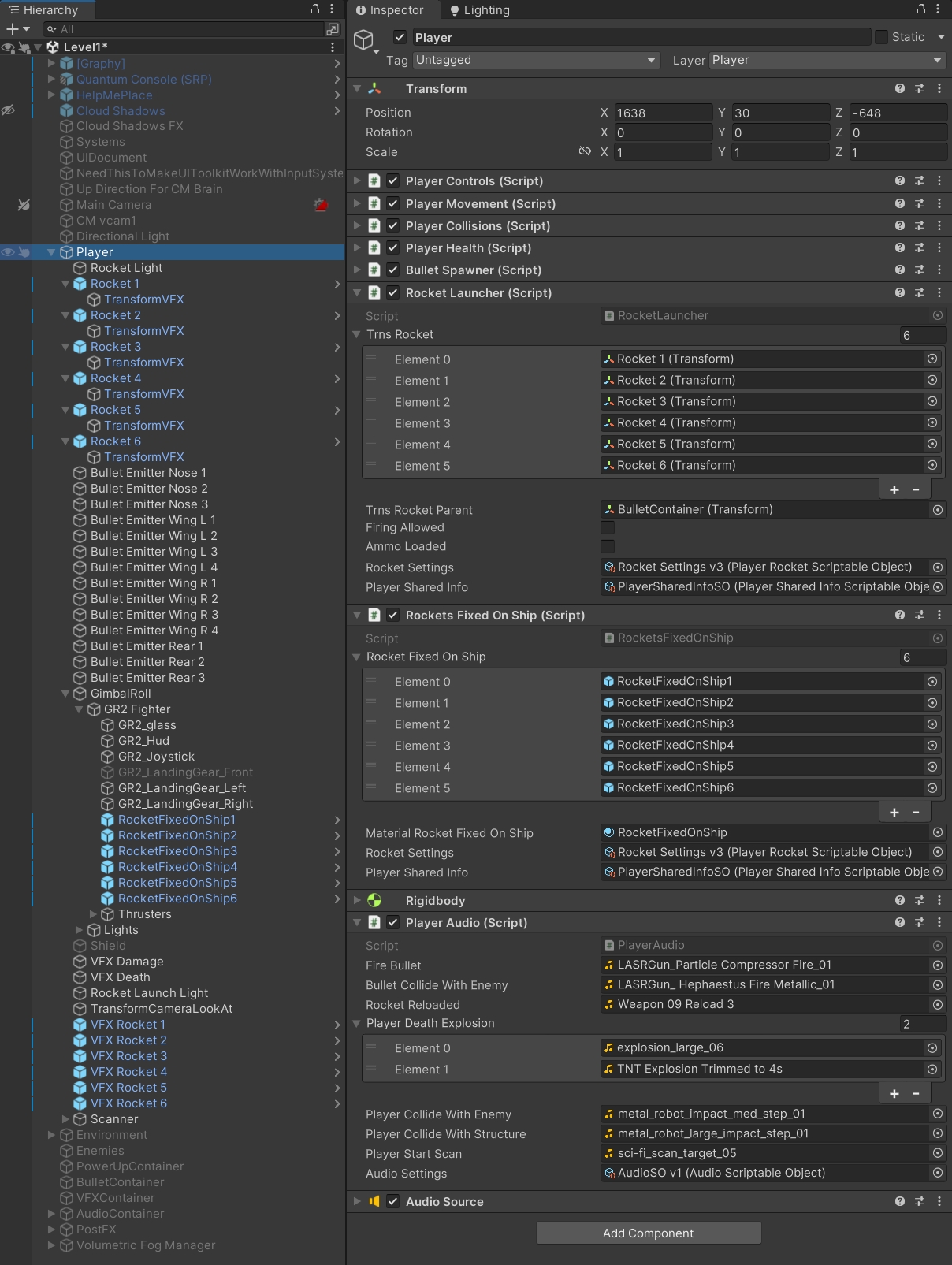
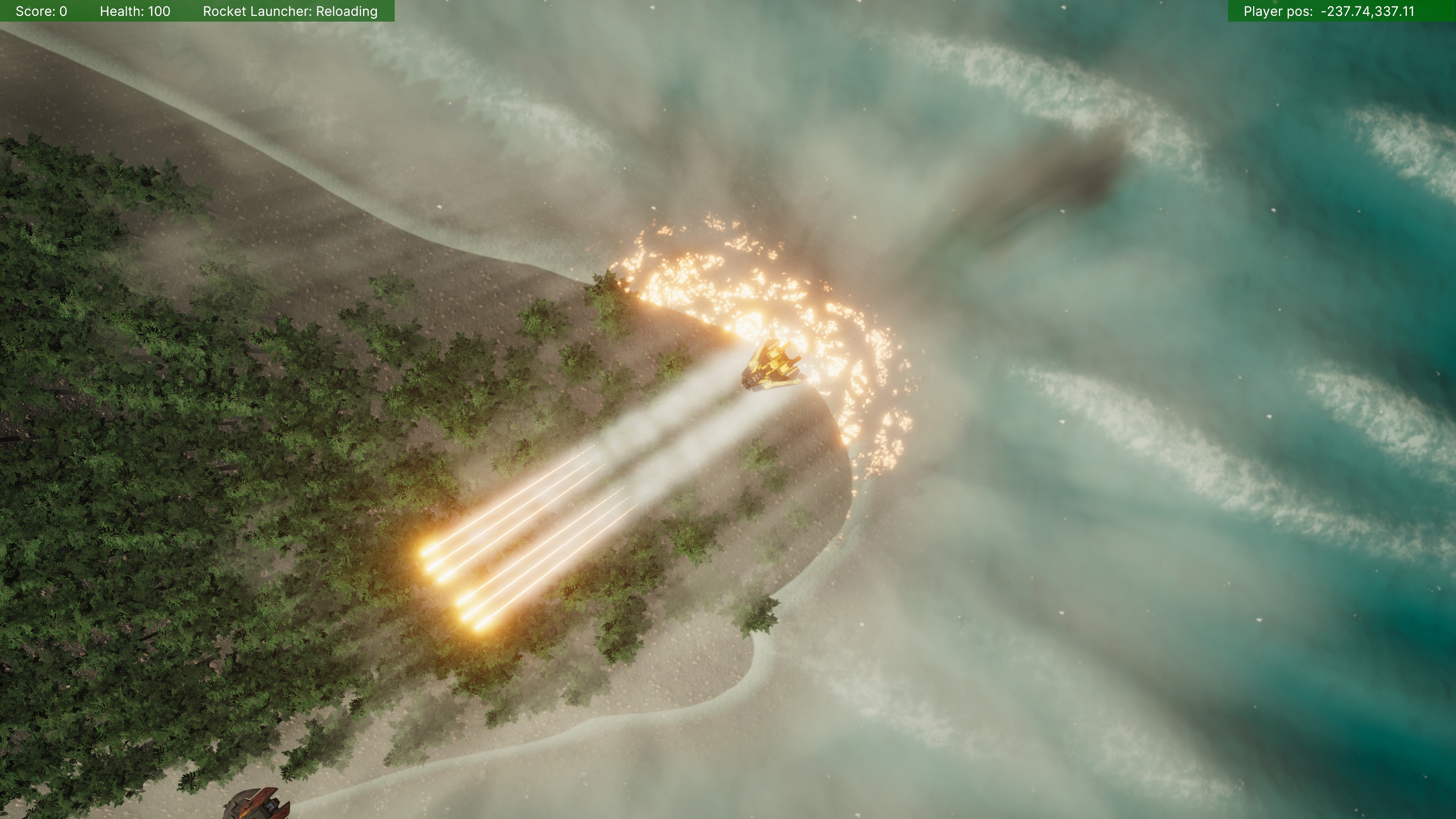
Player Rockets
-
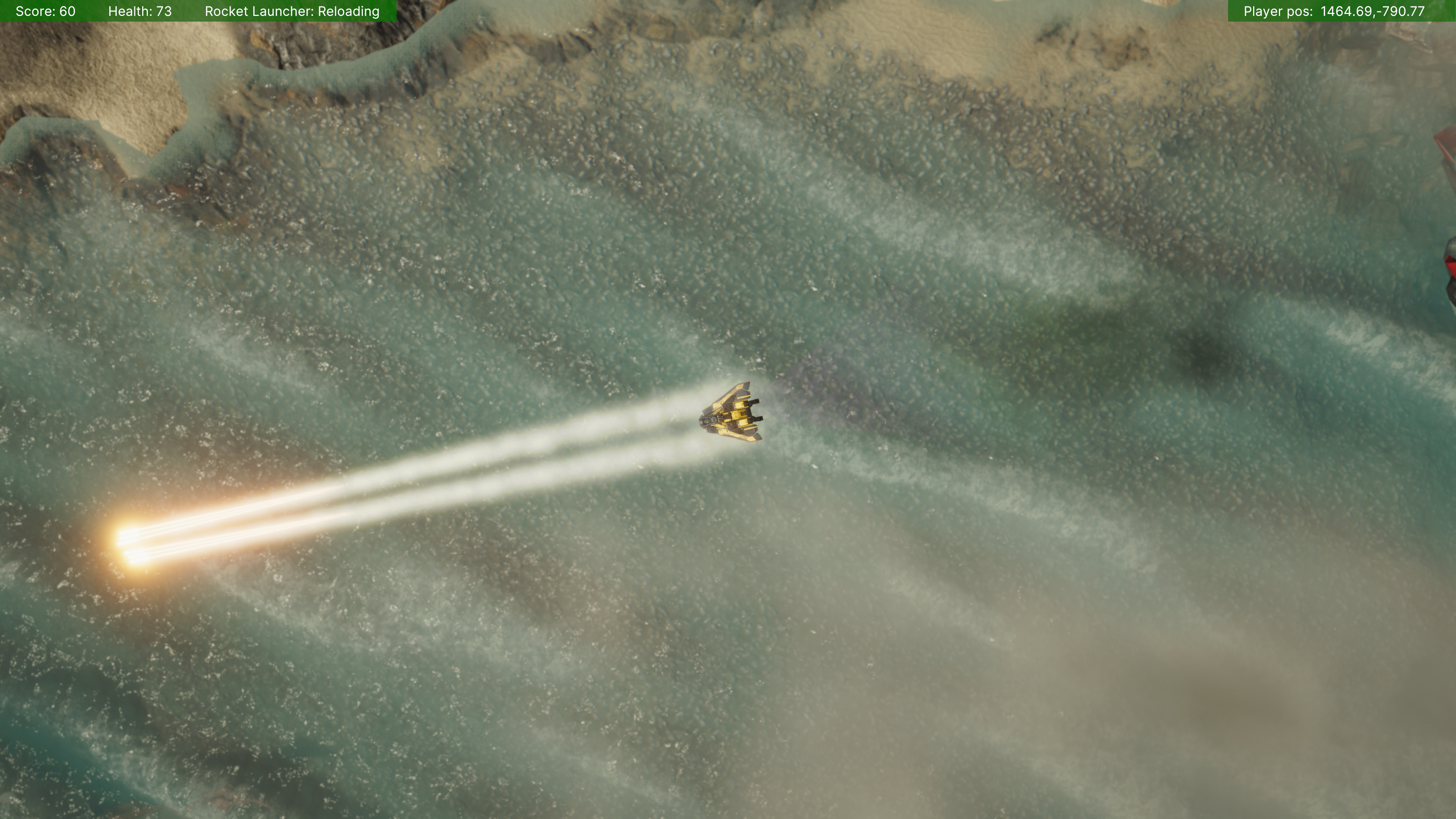
The player can carry up to six rockets (three on each wing), unlocked progressively via power-ups.
-
Rockets:
-
Travel in straight lines (no tracking).
-
Emit a launch flash, rear smoke puff, and trailing smoke (all built in Visual Effect Graph).
-
Use physics for movement, collisions, and splash damage.
-
-
Damage scales based on proximity, and uses Physics.OverlapSphere and Physics.Linecast to account for occlusion.
-
Rockets are short-lived, they fizzle out after a few seconds if they don’t collide with something.
-
Once a rocket detonates or expires, it becomes available again after a reload delay (signalled with a visual flash and audio cue).
-
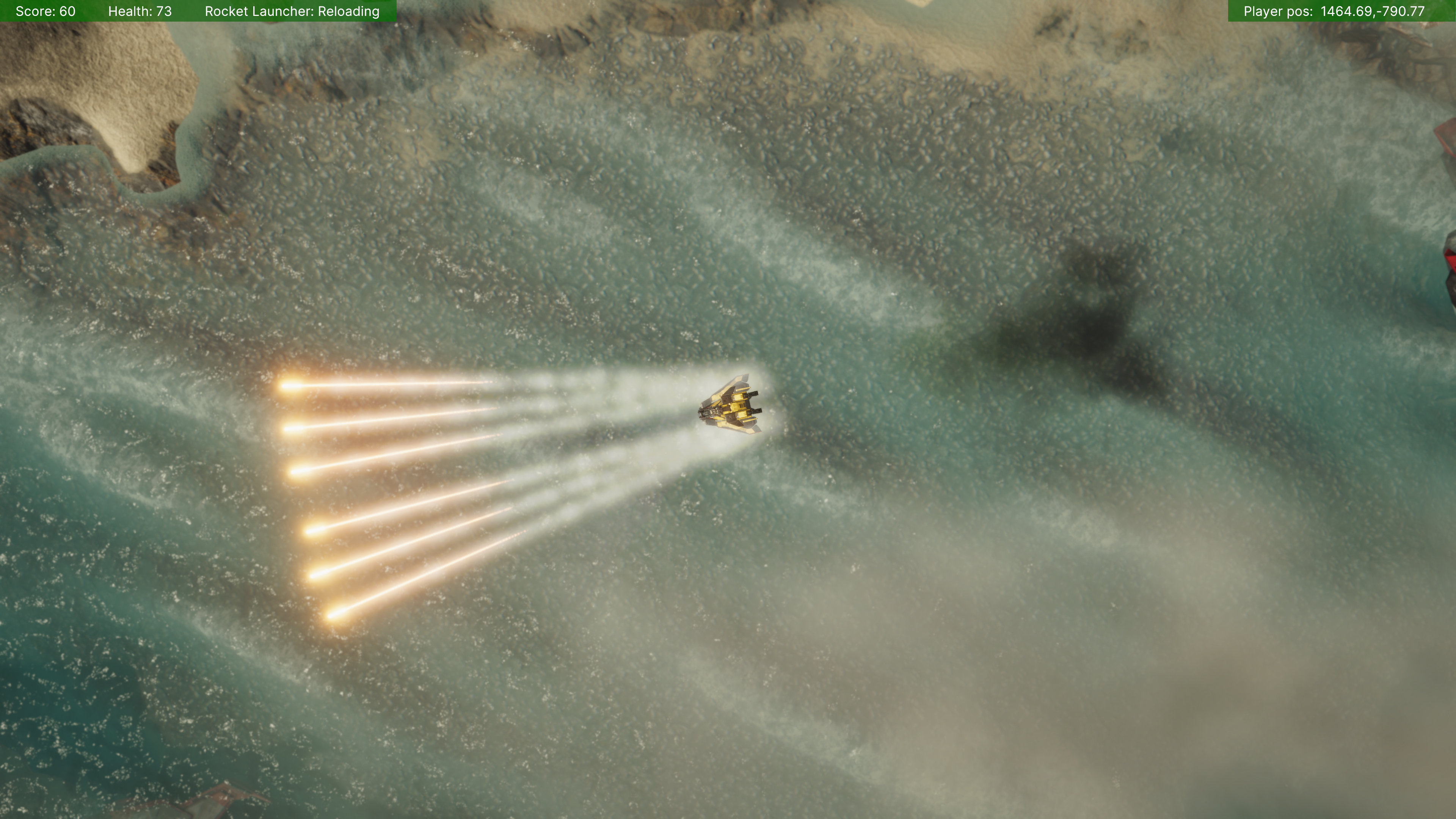
Firing:
-
Rockets fire in salvos.
-
The player can select firing patterns: parallel, converging, or wide-spread.
-
-
Upgrades and downgrades to rockets are queued and applied only after rockets in flight are reloaded.
Physics & Collisions
Using Unity’s Physics Layer Collision Matrix, I configured interactions between object types: Player, Enemy, PlayerWeapon, EnemyWeapon, Structure (includes terrain), MoveableStructure, WorldEdge.
For complex interactions:
-
Used collision contact points to orient VFX splashes.
-
Optimized colliders using the Easy Collider Editor plugin.
Haptics
-
Integrated haptics via Unity’s New Input System for gamepad players.
-
Triggered on: player collisions, rocket launches and explosions, player death.
-
Controlled via scriptable objects:
-
Start and end motor speeds
-
Duration
-
Optional tweening for fade-out rumble effects
-
Camera Shake
-
Built with Cinemachine
-
Triggered by the same events as haptics
-
Configurable via scriptable objects: frequency, amplitude and duration, and tweening of these values.
Game World
I experimented with a variety of tools and plugins to shape the environment:
-
Water Shader: Stylized Water 2
-
Terrain Creation: Unity’s Terrain Tools + Ultimate StampIT! Collection
-
Materials and Shaders: Replaced Unity Terrain Layers with MicroSplat (huge improvement)
-
Assets: NatureManufacture textures, Mega Shapes and Help Me Place! for distributing trees and rocks.
-
Everything else: Radial blur (world edge boundaries), Volumetric Lights 2, Volumetric Fog & Mist 2, Dynamic Cloud Shadows.
Health System
-
Player and enemies have health systems tracking current and max values.
-
Player receives damage from collisions with enemies, terrain and large objects.
-
Enemy receives damage from collisions with player, player weapons, other enemies, terrain and large objects.
-
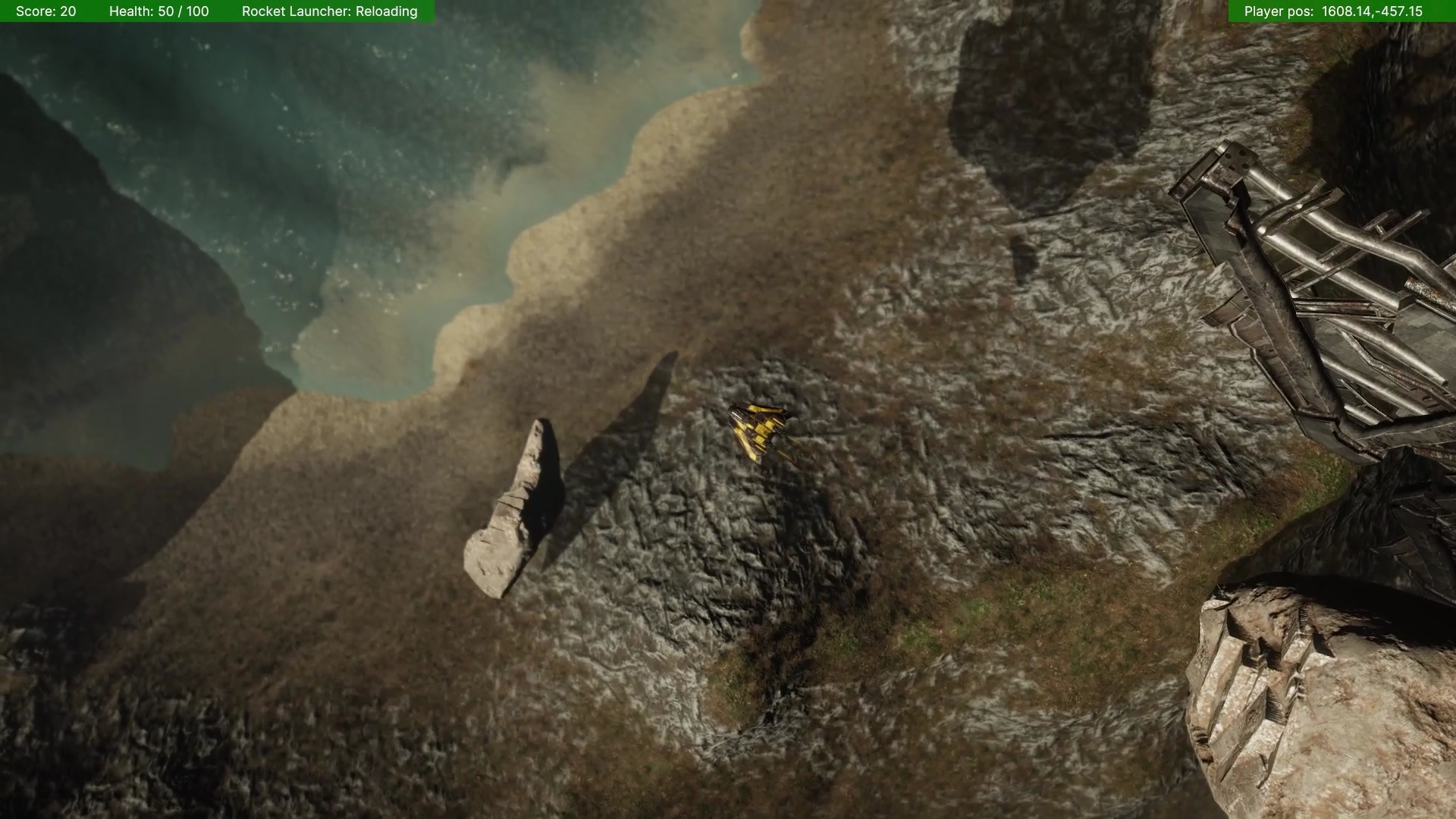
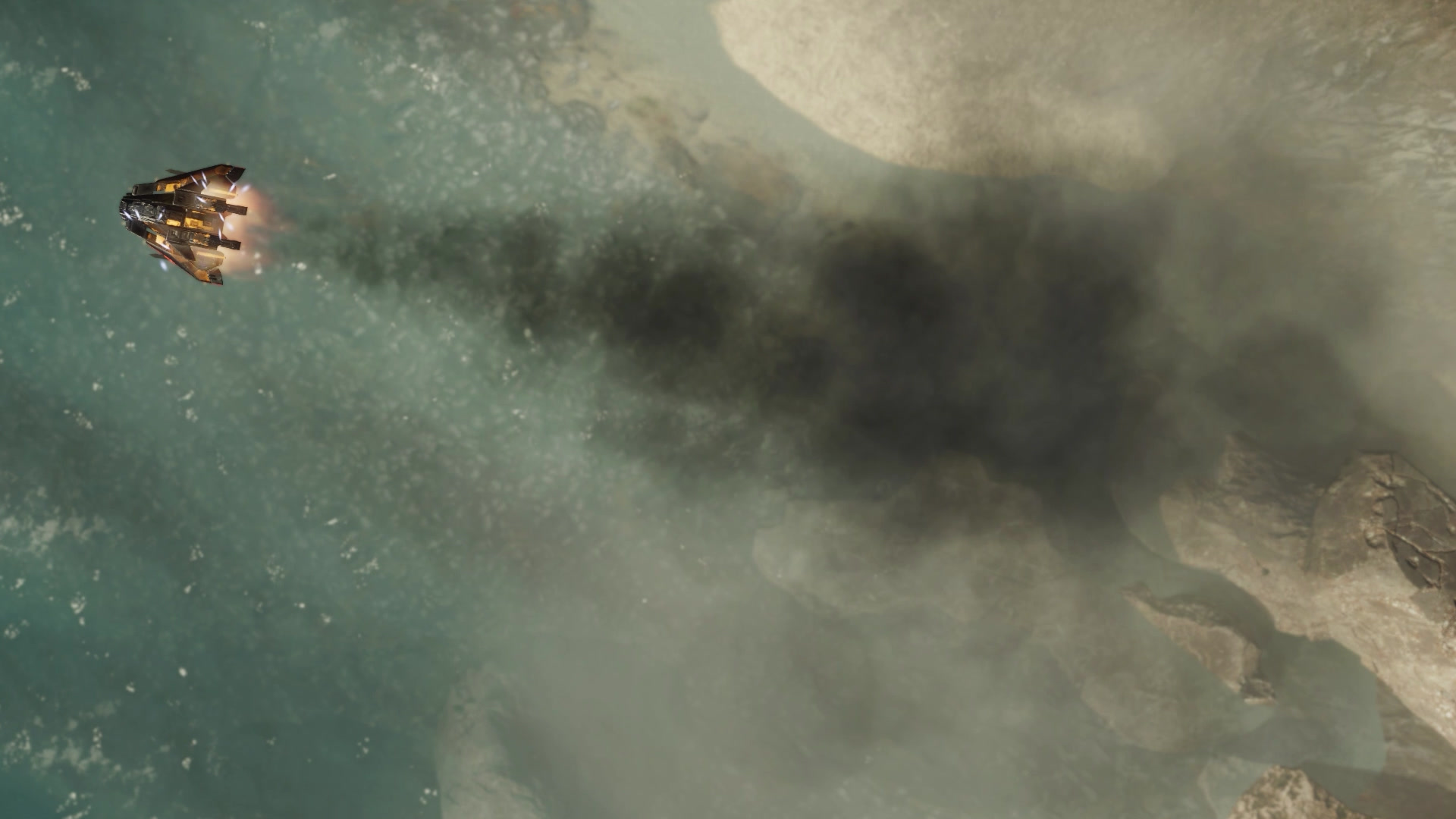
Visual feedback stages when player health is at 40, 30, 20, 10:
-
Electrical sparks, black smoke, flames, scorched textures.
-
-
Enemy critical states show smoke and sparks before destruction.
Enemy Spawner
-
Controlled by scriptable objects (spawn rate, distance from player, etc).
-
Verifies valid spawn points via Physics.Linecast and Physics.OverlapSphere
-
Queue system for deferred spawning
-
I used object pooling to manage enemies instances
-
Spawn animation: VFX Graph and Shader Graph
-
Enemies use a simple seek behavior (no weapons yet) and ram the player to deal damage.
Explosions
-
Built with Visual Effect Graph
-
Layered systems (smoke, fireballs)
-
Exposed parameters for scale and velocity to allow variation at run-time
-
Managed by object pooling, and spawned under a container transform.
Score System, Progress Tracker, Upgrades
-
Player earns points by defeating enemies
-
Progress tracker checks score thresholds to trigger:
-
Power-ups (health, lasers, rockets)
-
Difficulty increase (more concurrent enemies)
-
-
Power-Ups:
-
Floating cubes, color-coded: Green (health), Blue (laser), Yellow (rockets).
-
Spin speed denotes type (e.g. slow = current health, fast = max health)
-
Spawned using the same collision validation logic as enemies
-
Object pooled
-
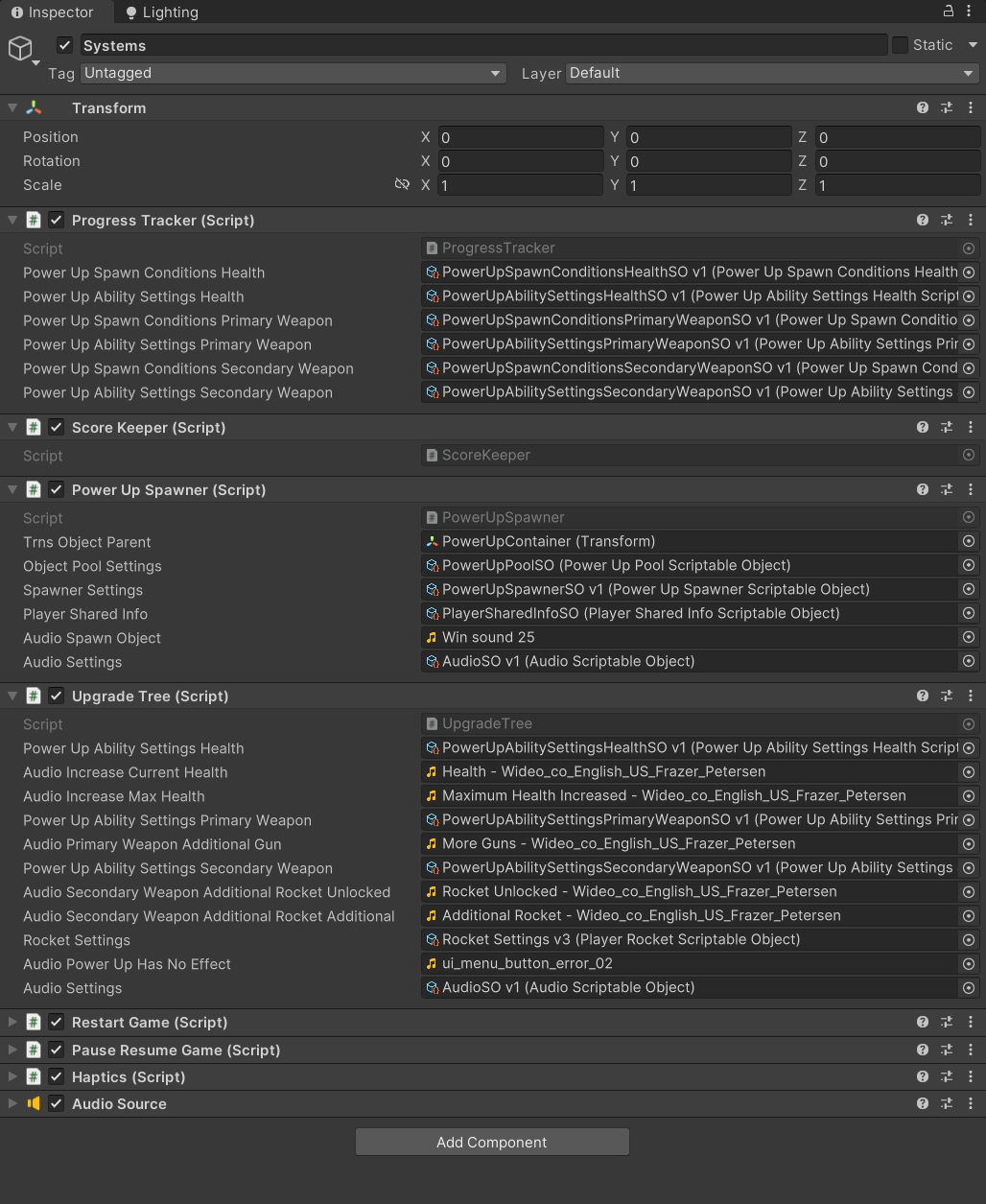
Scriptable objects used to control settings, including when to spawn relative to player score (e.g. at specific scores, or at multiples of X), lifetime, rotation speed and colour.
-
-
Upgrade Tree: Controls where new weapons appear on the ship and the unlock order
Altitude Scanner
-
The player ship features an altitude scanner to detect nearby obstacles at the same vertical level. When activated, it emits a series of expanding sphere meshes using a particle system. These use a Shader Graph material to highlight intersections with other objects in glowing blue, fading over time. Simultaneously, a disc mesh is projected at the player's current Y position, using a similar shader to highlight any objects it intersects. This effect lasts for a few seconds and can be reactivated after a short delay.
-
I made both shaders in Shader Graph, using scene depth for the effect.
Audio
I chose not to use FMOD or external audio plugins in order to minimise dependencies. Audio Sources were manually added to objects (e.g. rockets, engines, explosions). This worked okay but lacked flexibility, for future projects I’d use an audio middleware solution for better control and less manual setup.
Pause / Resume System
Added early for development convenience, this became part of the core feature set.
Includes:
-
Input control bindings
-
Pause and resume sound effects
5. What I Learnt
Game development by exploration is fun and creatively rewarding, but without clear boundaries, the project scope can quickly spiral. Even the simplest ideas often take far more time and iteration than expected to get right. I learnt how essential it is to maintain a well-organised hierarchy and asset structure, but also to accept that these will evolve as the game grows.
Loosely coupled systems proved invaluable, especially for isolating features and speeding up testing. I also discovered the drawbacks of frequently updating Unity mid-project; breaking changes can waste hours of development time. Plugins and assets were a double-edged sword: incredibly useful for speeding up work or filling skill gaps, but occasionally unstable and time-consuming to debug.
Scriptable Objects became one of my favourite tools. I also learnt to listen to playtesters, even when feedback clashed with my instincts, and I became better at letting go of ideas that weren’t working.
Technically, I gained experience with Unity physics, collider optimisation, shader texture packing, real-time tweaking of in-game systems, and terrain-based world building. On the softer side, I improved in adaptability and knowing when to pivot.
I also learnt that game development is hard.
6. Why It Wasn’t Finished
I underestimated the scope of the project and started without a clear story, objective, or defined endpoint, something that became increasingly challenging as the game grew in complexity. Balancing development with a full-time job and family life eventually made it unsustainable to continue. After 19 months of work, I made the difficult decision to bring the project to a close.
7. Conclusion & Future Considerations
If I were to revisit the project, I’d significantly reduce the scope and complexity. I’d also consider collaborating with others to bring in new perspectives and help maintain momentum. Next time, I’d prioritise gameplay, mechanics, and early user testing over visuals, focusing on building a solid core loop first.
This experience had a big influence on my next game idea, Forever Knight. That project was intentionally smaller in scale, designed for mobile with simple mechanics and controls. I also took a much more deliberate approach, researching and playing similar games, and doing more planning before diving into development.