
CREATING TARTAN
INVERNESS CASTLE EXPERIENCE
2025
1. Introduction
In December 2025, the Inverness Castle Experience opened to the public. As part of this exhibition, I developed the ‘Creating Tartan’ interactive, one of several installations delivered for the project.
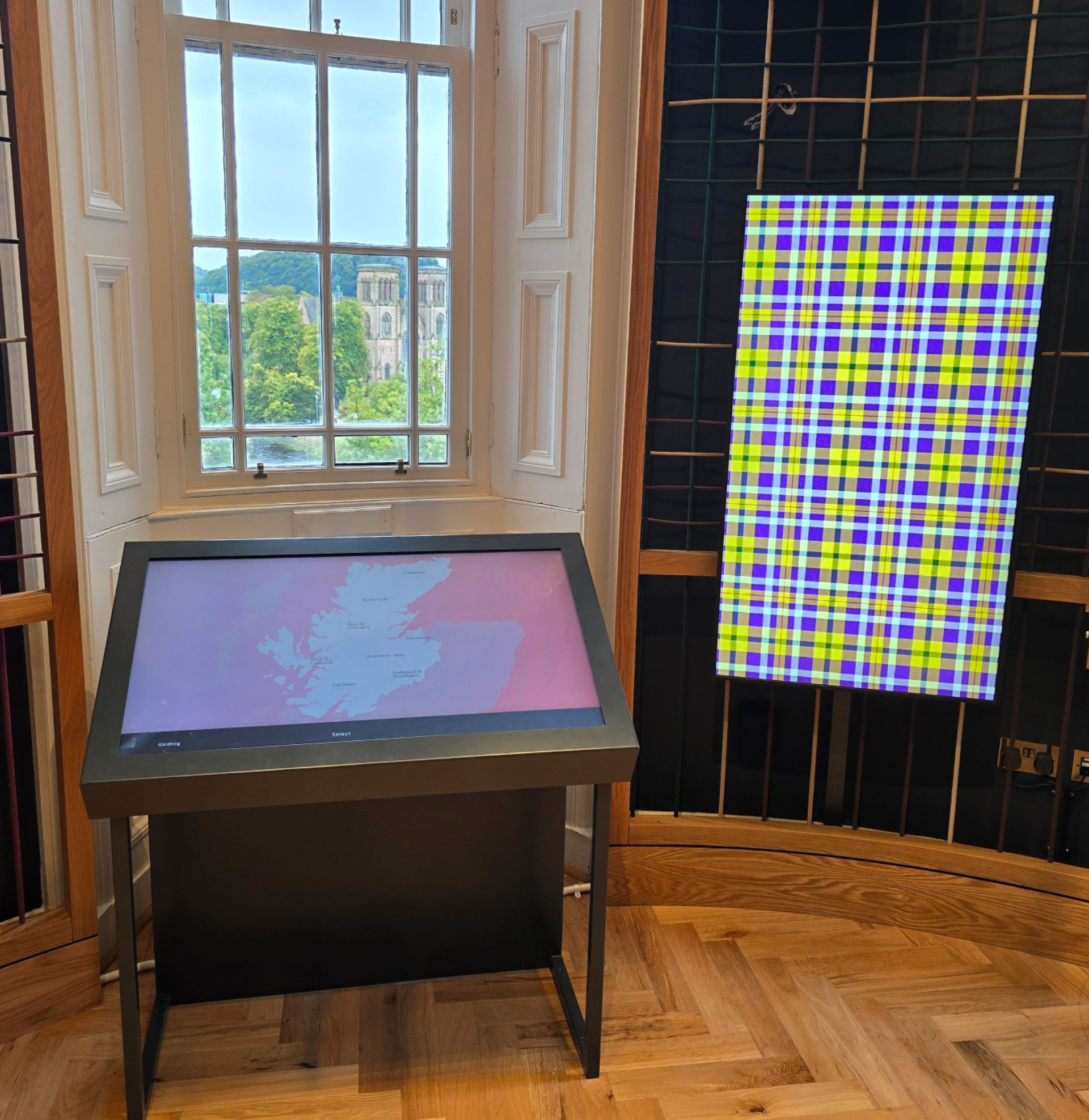
This interactive allows visitors to design their own tartan in real-time, with accurate pattern construction and immediate visual feedback across a dual-screen setup, a landscape touch screen and a portrait display. It is expected to be experienced by hundreds of thousands of visitors each year.
2. Challenge
The core challenge was to create a system that could generate tartan patterns that were not only visually appealing, but faithful to real-world construction rules.
Tartan design is governed by specific principles: thread counts, colour sequencing, and the interaction between warp and weft. To support this properly, I first needed to research how tartans are constructed, and translate those rules into a system that could be controlled intuitively by visitors with no prior knowledge.
At the same time, the solution needed to:
-
update instantly in response to user input
-
scale across both 2D UI and 3D clothing
-
remain visually clear on full HD displays, despite the fine detail of tartan patterns
-
run reliably all day in a public installation
3. Approach
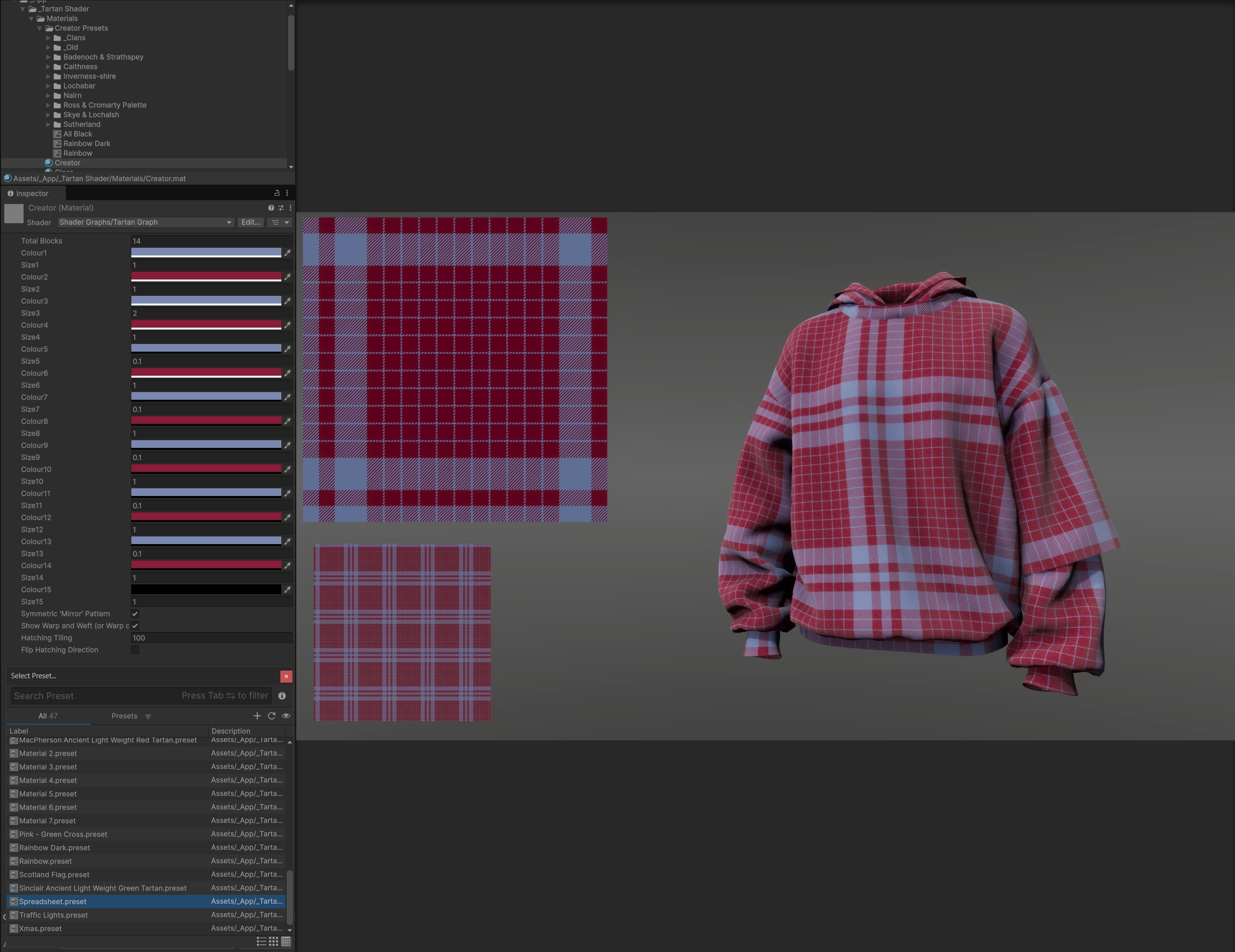
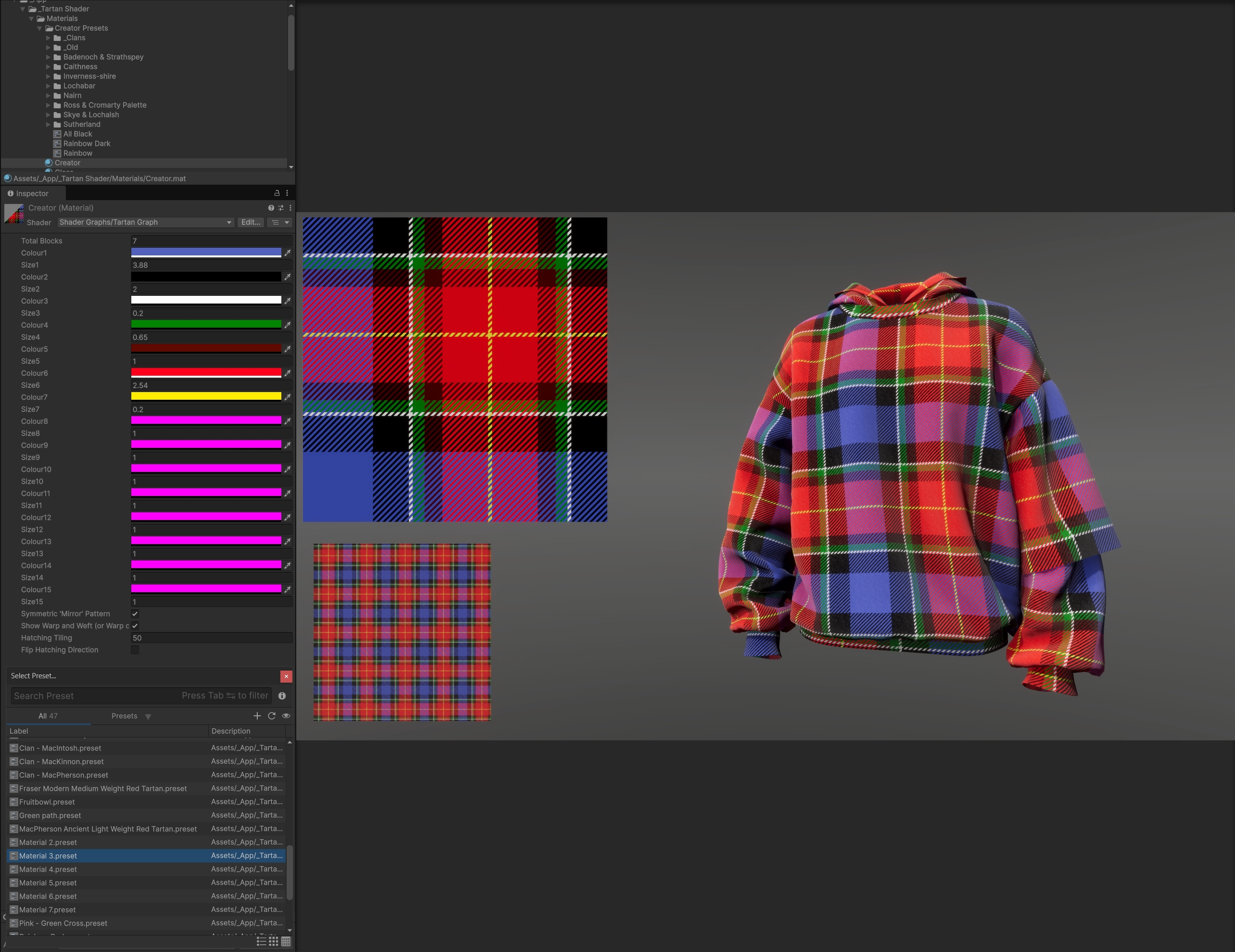
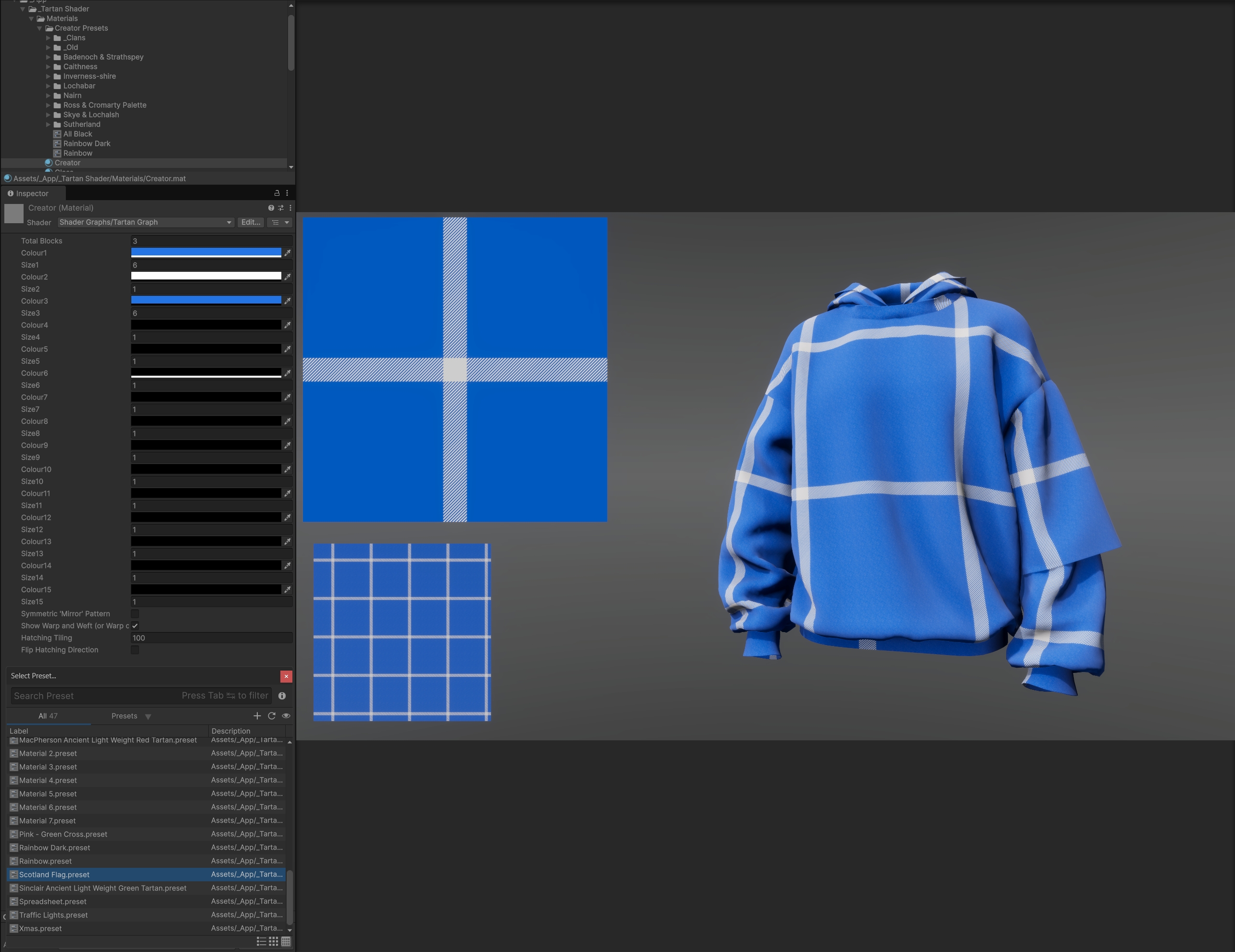
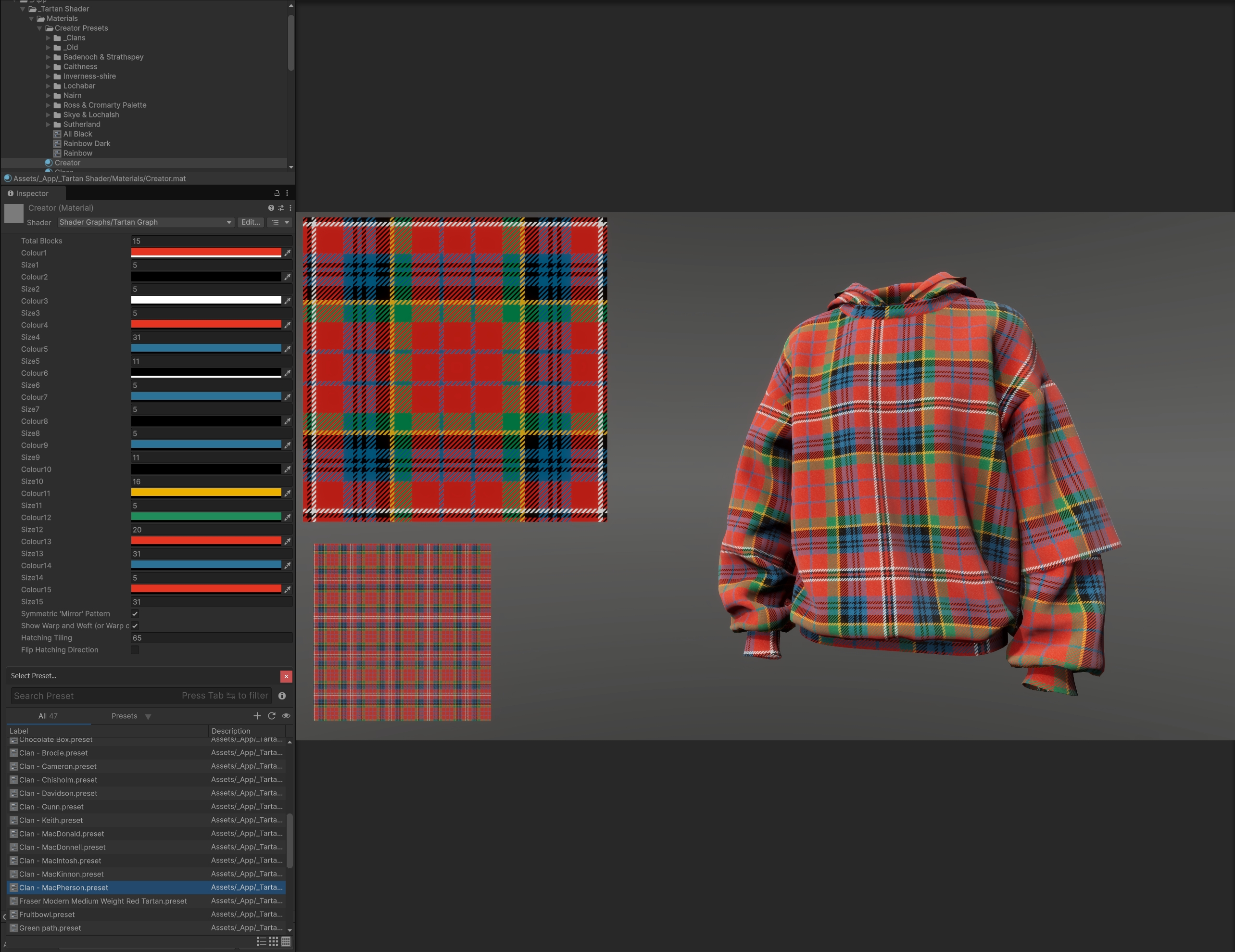
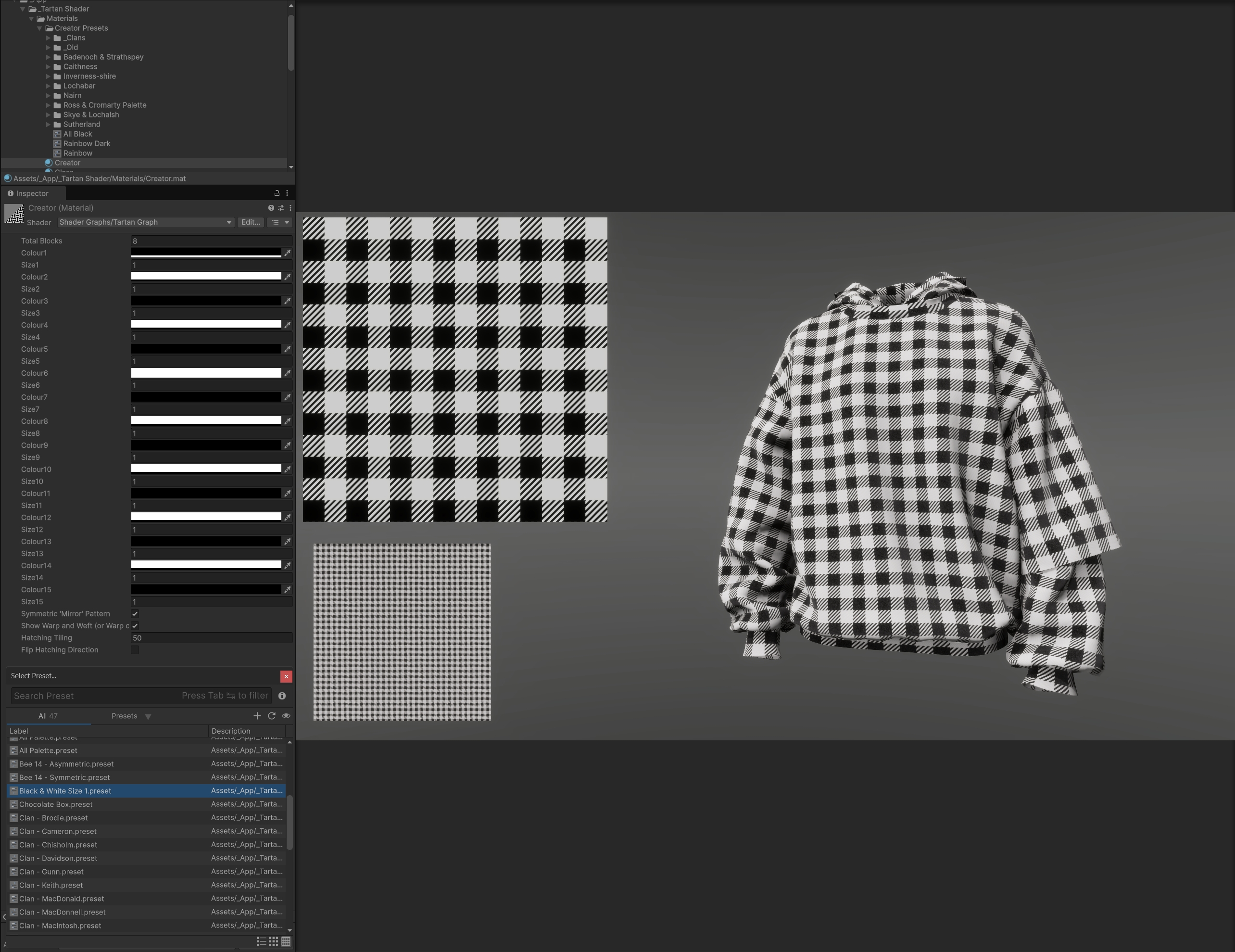
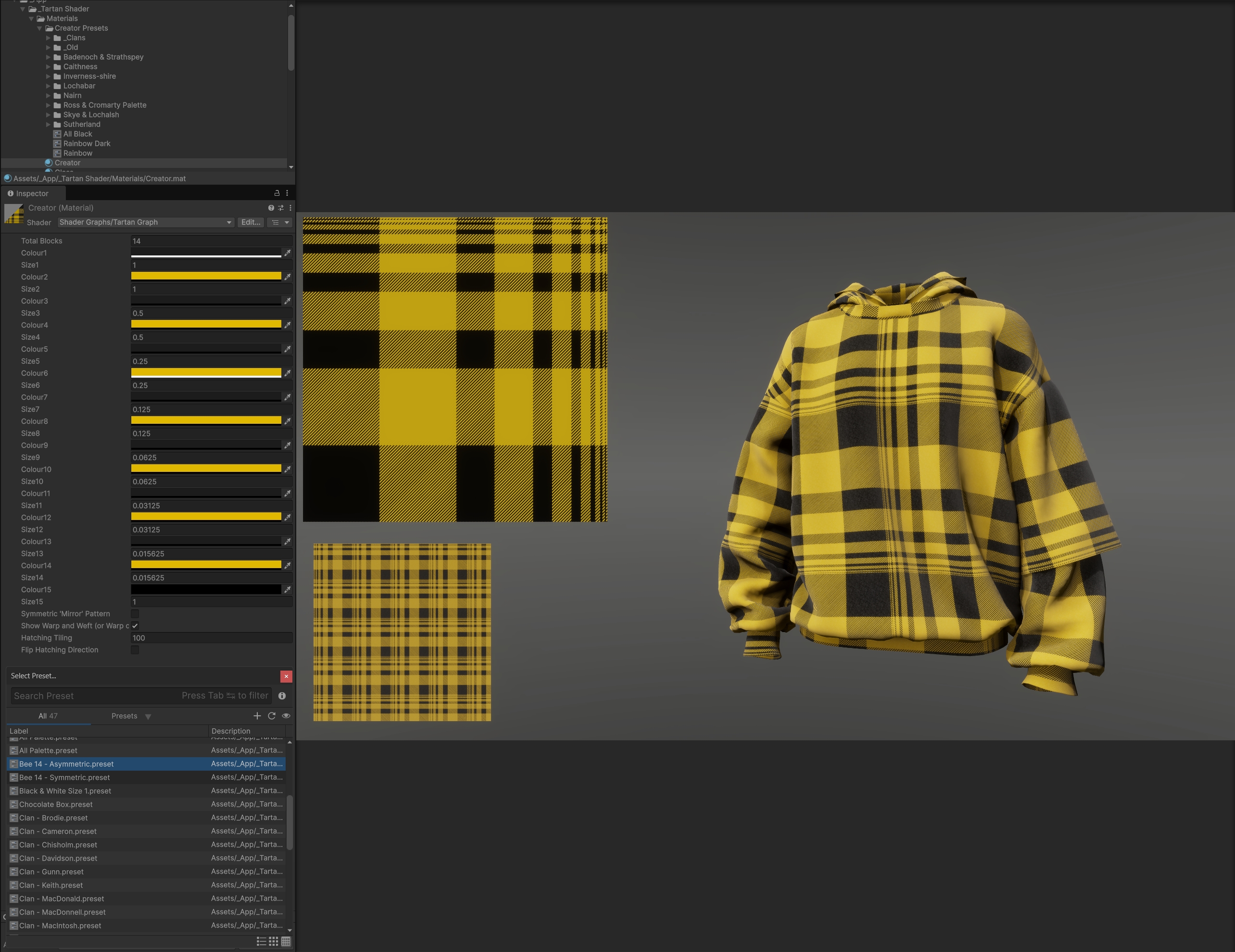
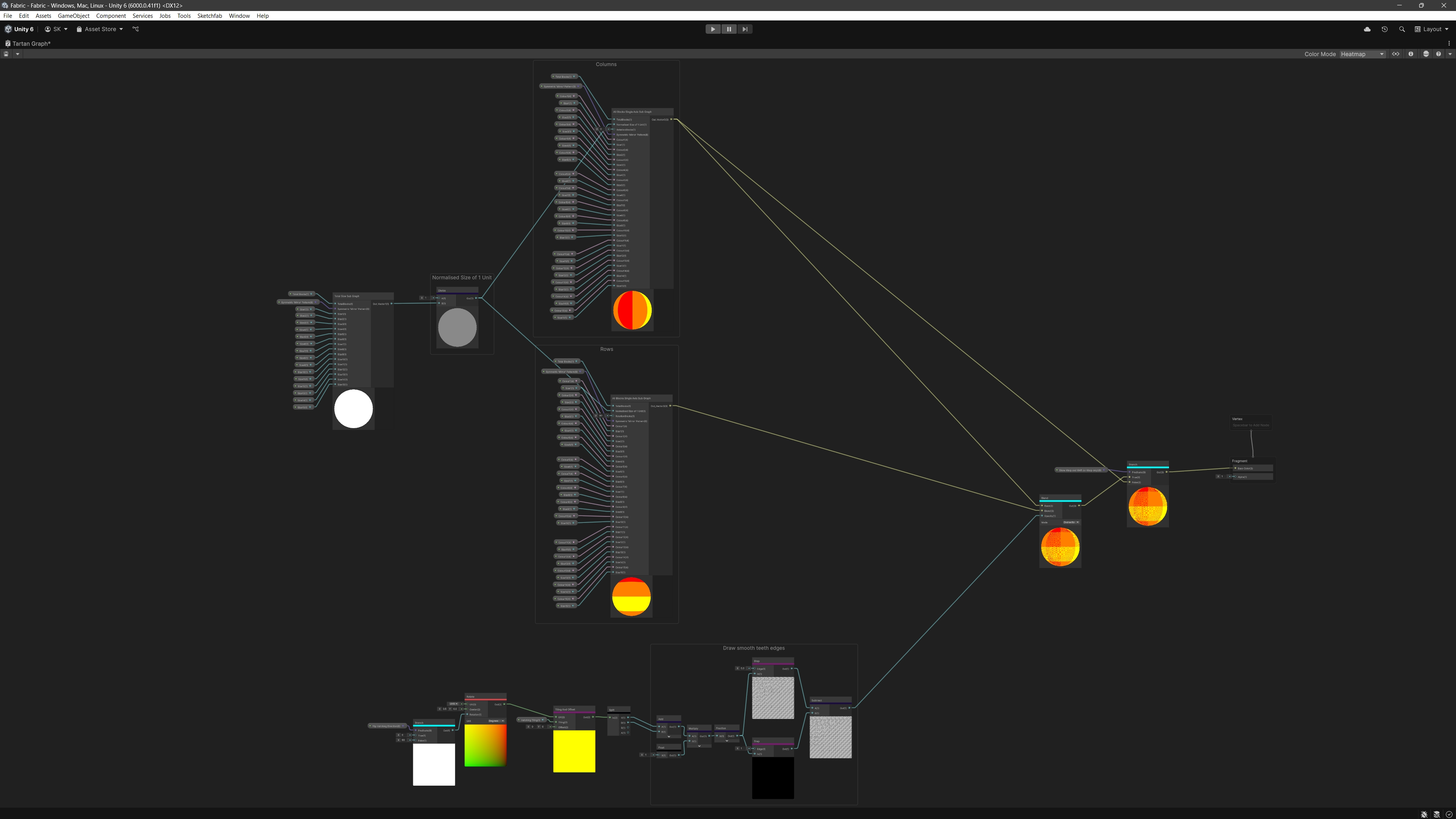
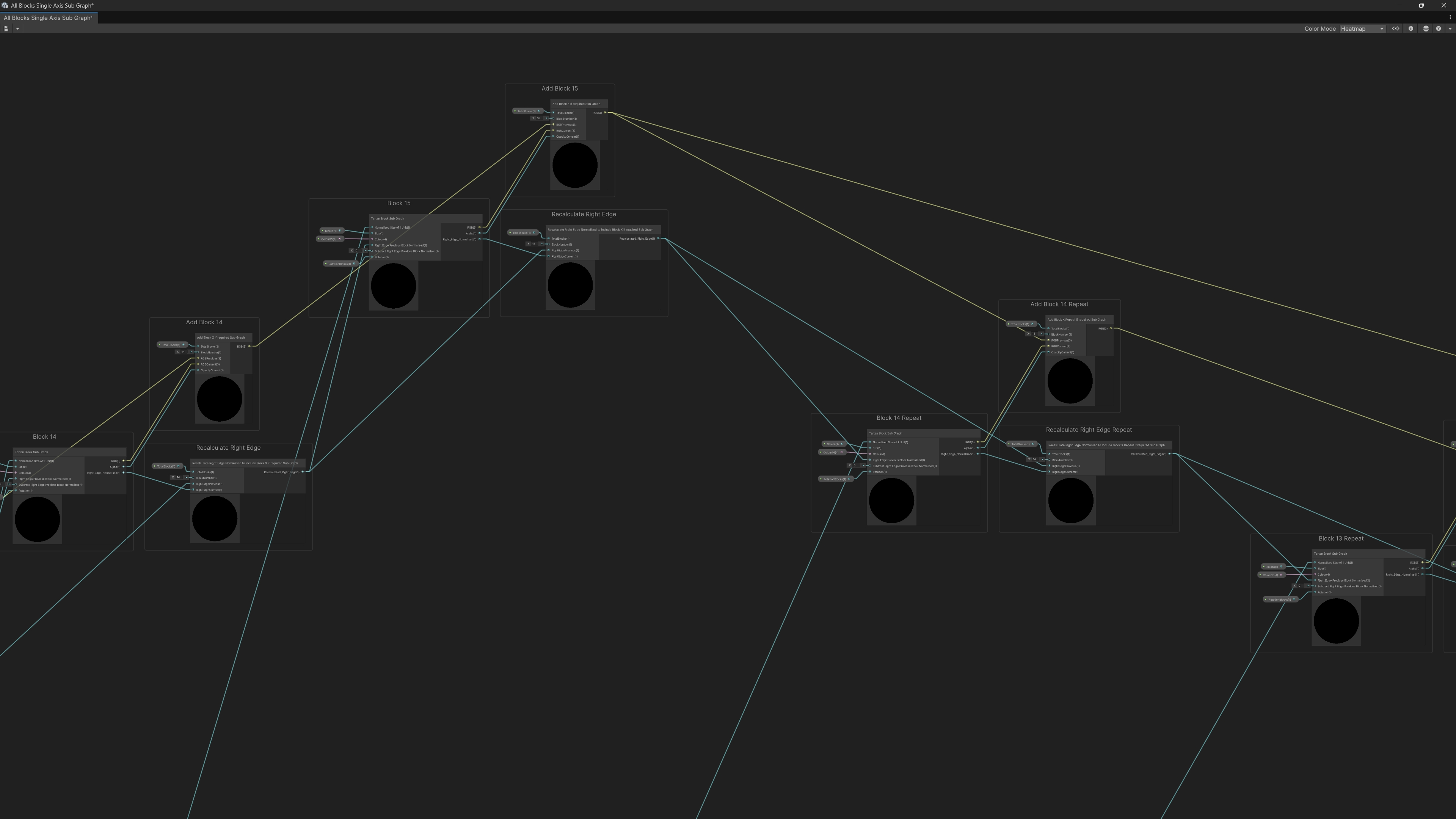
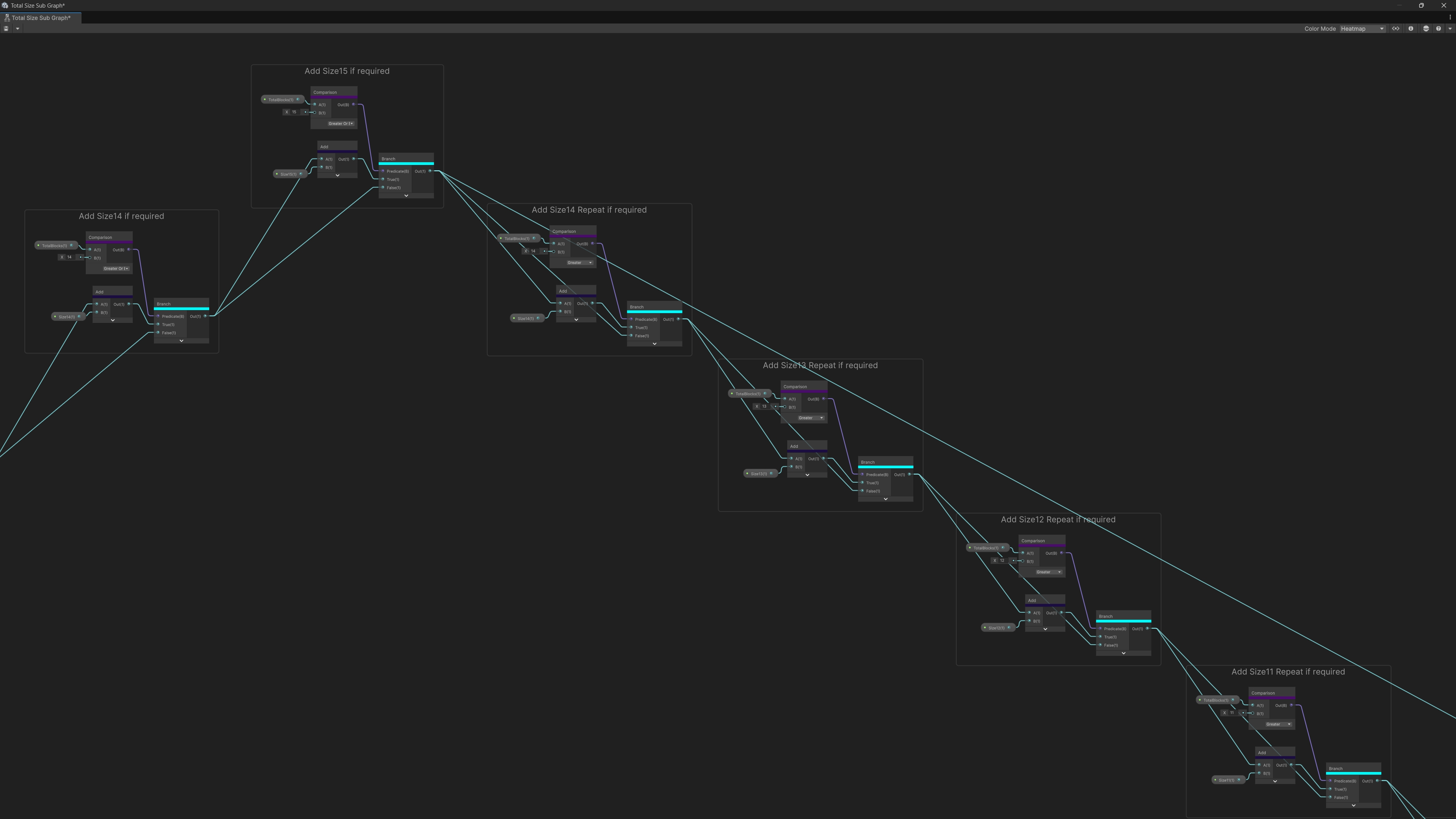
I began by developing a prototype shader early in the project, using Unity’s Shader Graph within HDRP. This allowed me to explore how warp and weft patterns could be generated procedurally, and how user inputs such as colour, thread count, and ordering could drive the result.
This early prototype became a key foundation for the project. It established both the technical feasibility and the design direction, allowing the wider team to understand what the interactive could achieve before client-facing concepts were finalised.
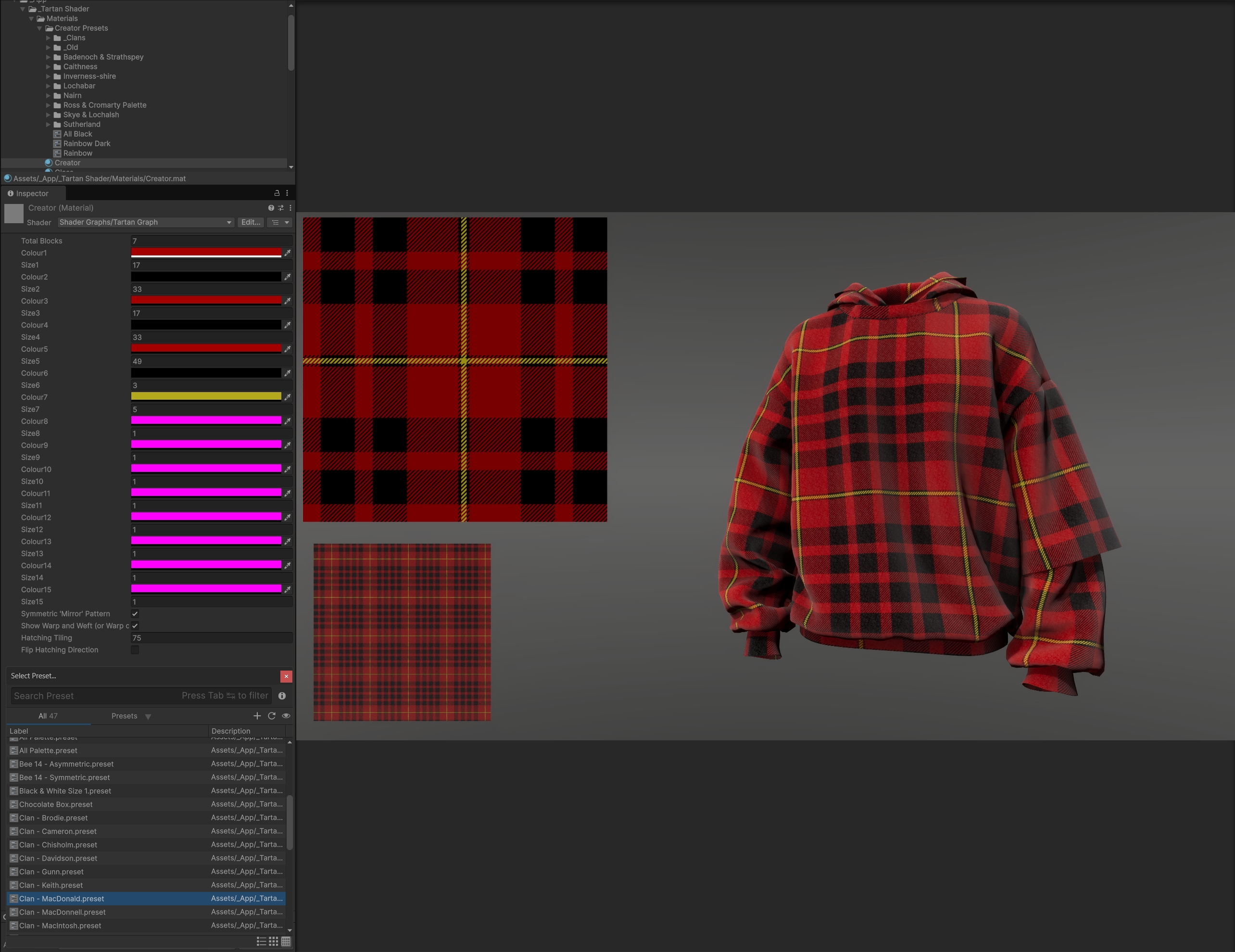
To ensure accuracy, I validated the shader against over 20 real tartan patterns, covering a wide range of styles and colour combinations. In each case, the output was visually indistinguishable from the real-world references.
4. Technical Solution
The final system is built around a custom shader that generates tartan patterns dynamically based on user-defined parameters.
The shader outputs a Custom Render Texture representing the warp and weft structure, which is then combined with a fabric material in Unity’s High Definition Render Pipeline to produce the final result. This allows the same pattern to be applied consistently across both the 2D interface and 3D clothing.
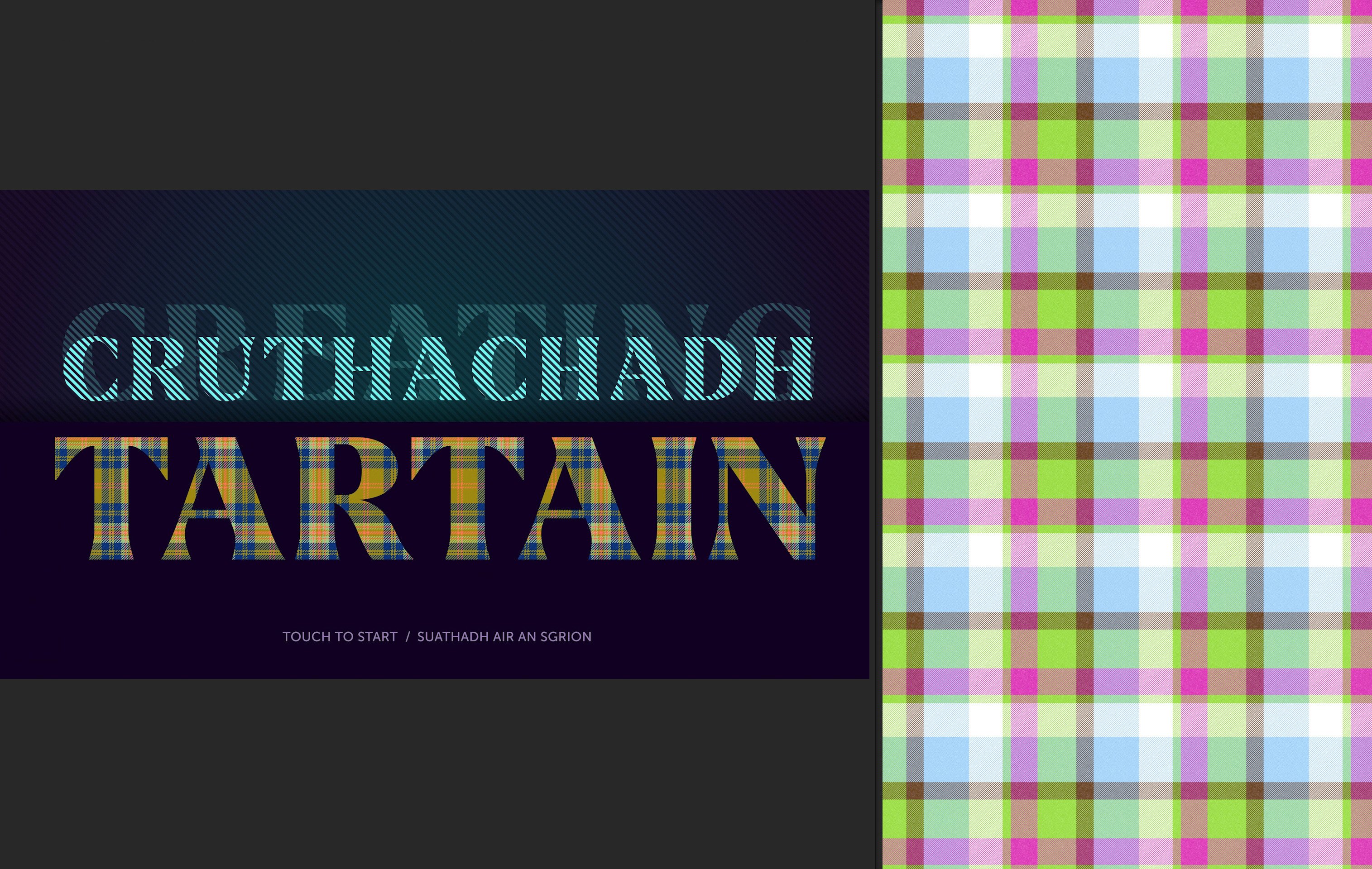
Achieving clarity at full HD resolution required careful optimisation. The fine detail of tartan patterns can easily introduce visual artefacts such as moiré. To address this, I combined several approaches:
-
tuning HDRP settings for sharper texture reproduction
-
integrating Nvidia DLSS to improve perceived resolution on 3D clothing
-
exposing scaling and sizing controls to fine-tune the visual output
Together, these ensured that patterns remained detailed and clear, even under challenging conditions.
5. Interaction & UI Design
In addition to development, I played a significant role in shaping the interaction design and UI.
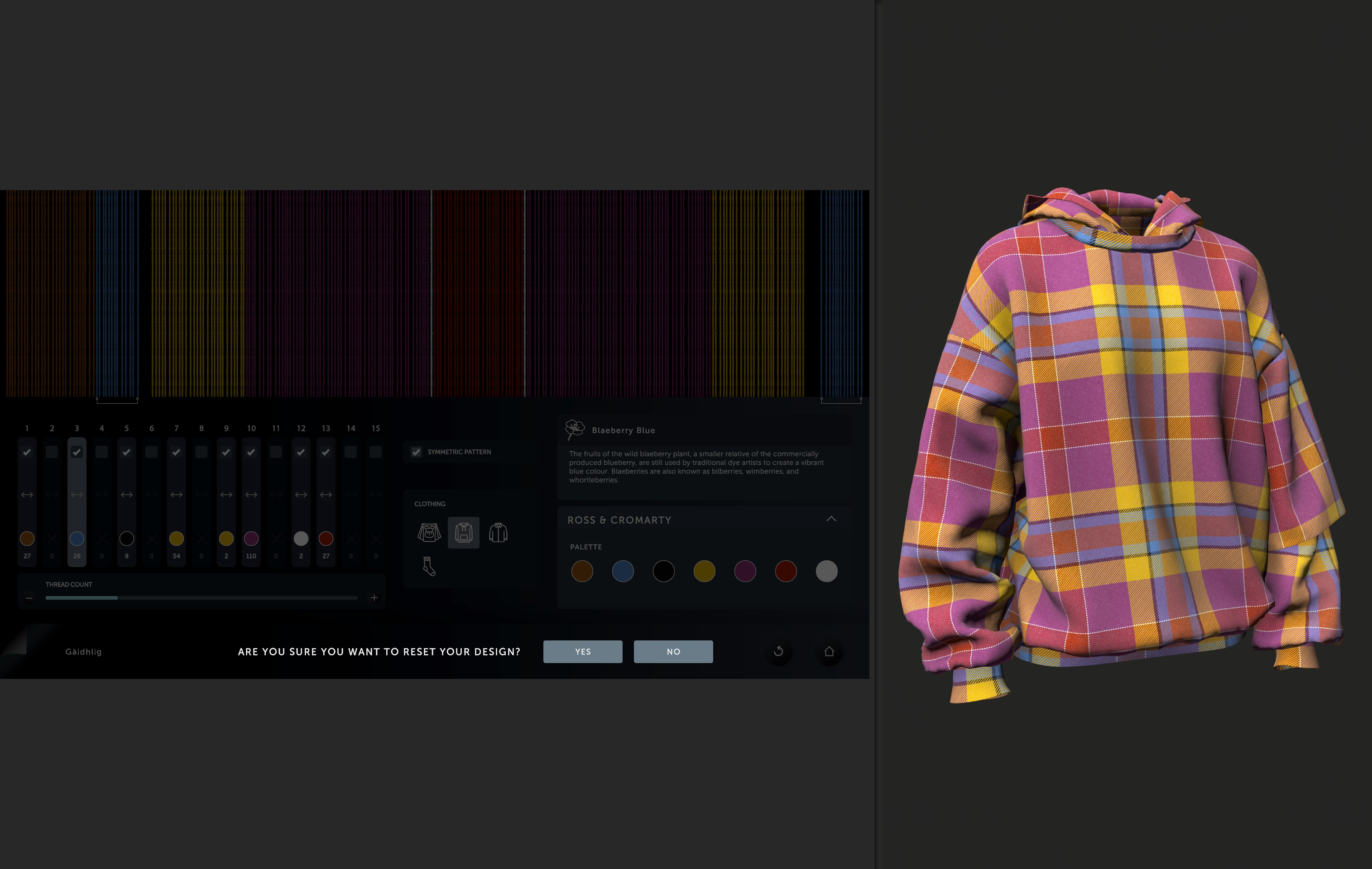
Based on my research into tartan construction, I defined the full set of controls required to build a valid pattern: colour selection, thread count, ordering, and symmetry. I then worked closely with a junior designer to structure these into an interface that was both intuitive and efficient.
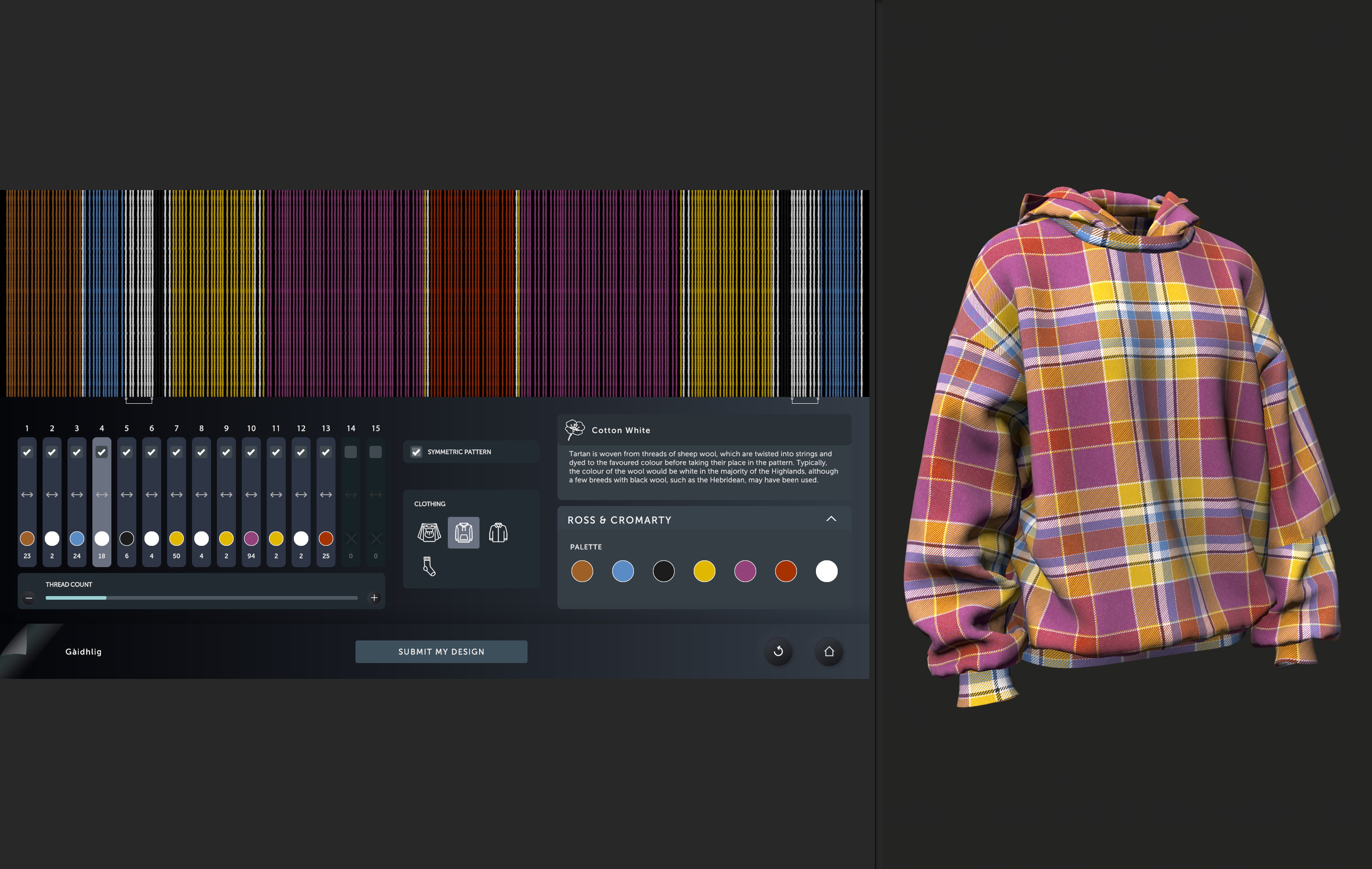
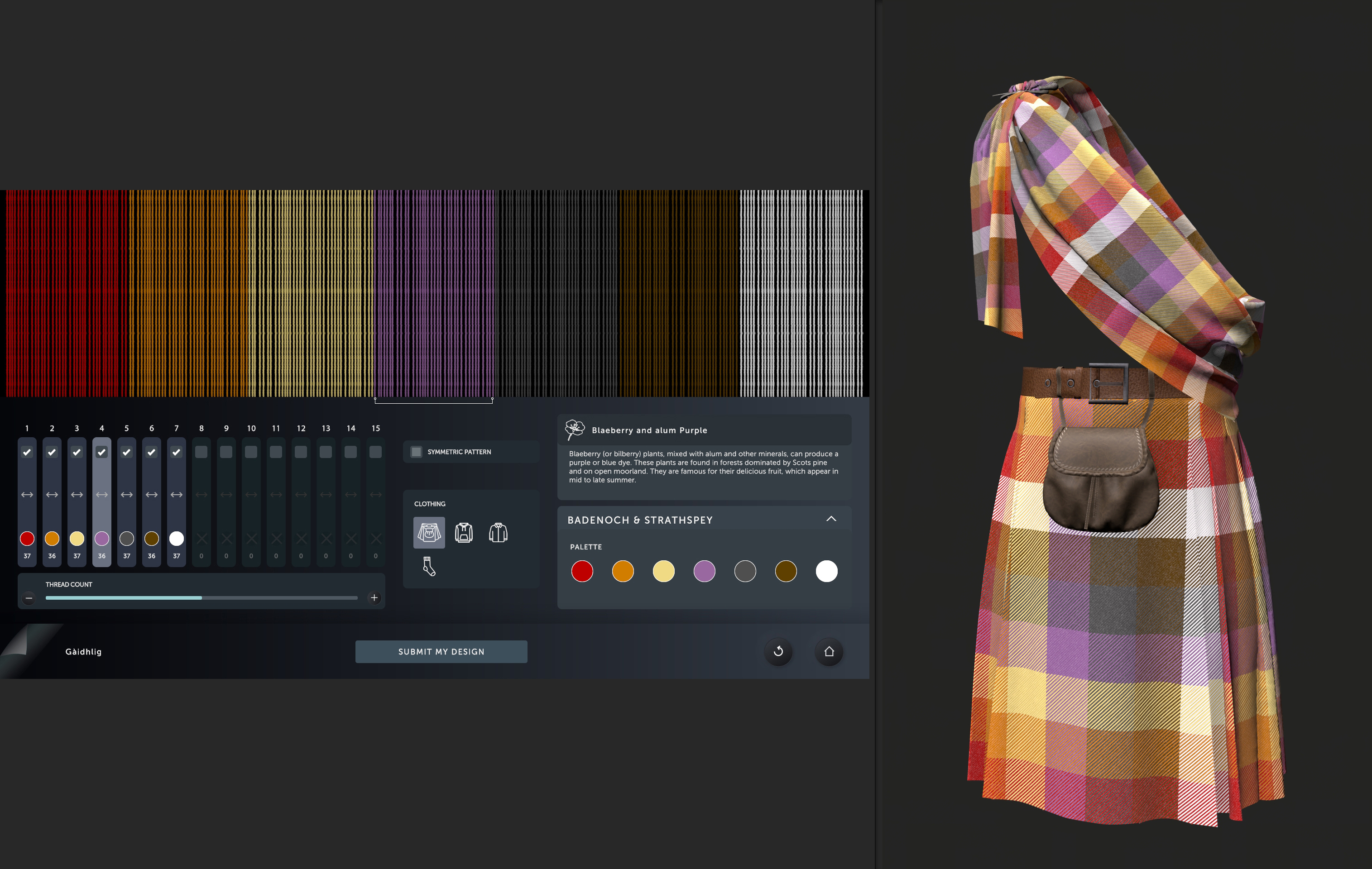
A key usability improvement that I made was restructuring the colour group controls from a vertical list into a horizontal layout. This allowed all groups (up to fifteen) to be visible at once without scrolling, while also aligning visually with the loom representation above and the thread count control below. The result is an interface that requires minimal instruction and supports rapid experimentation.
6. Final Experience
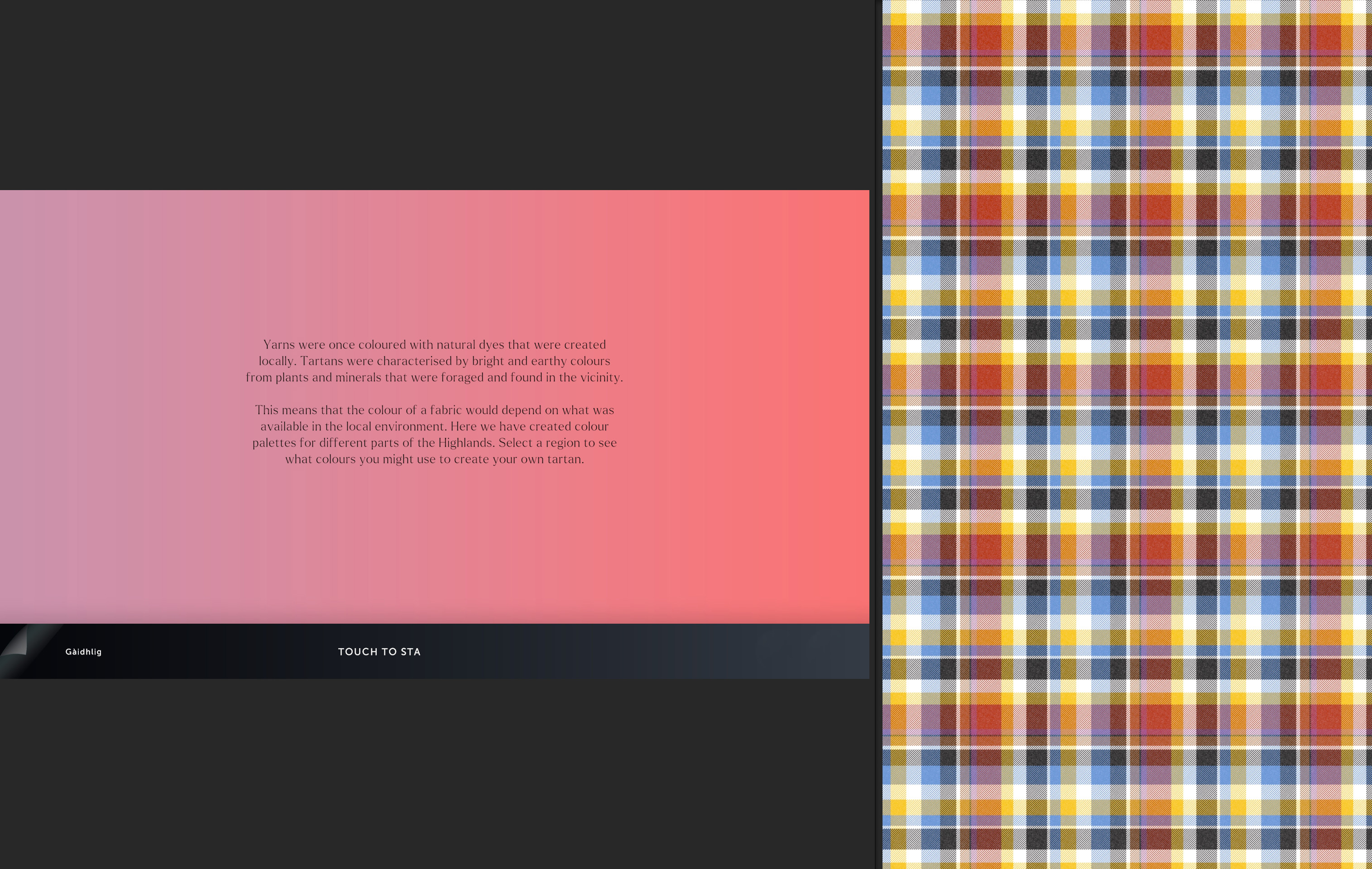
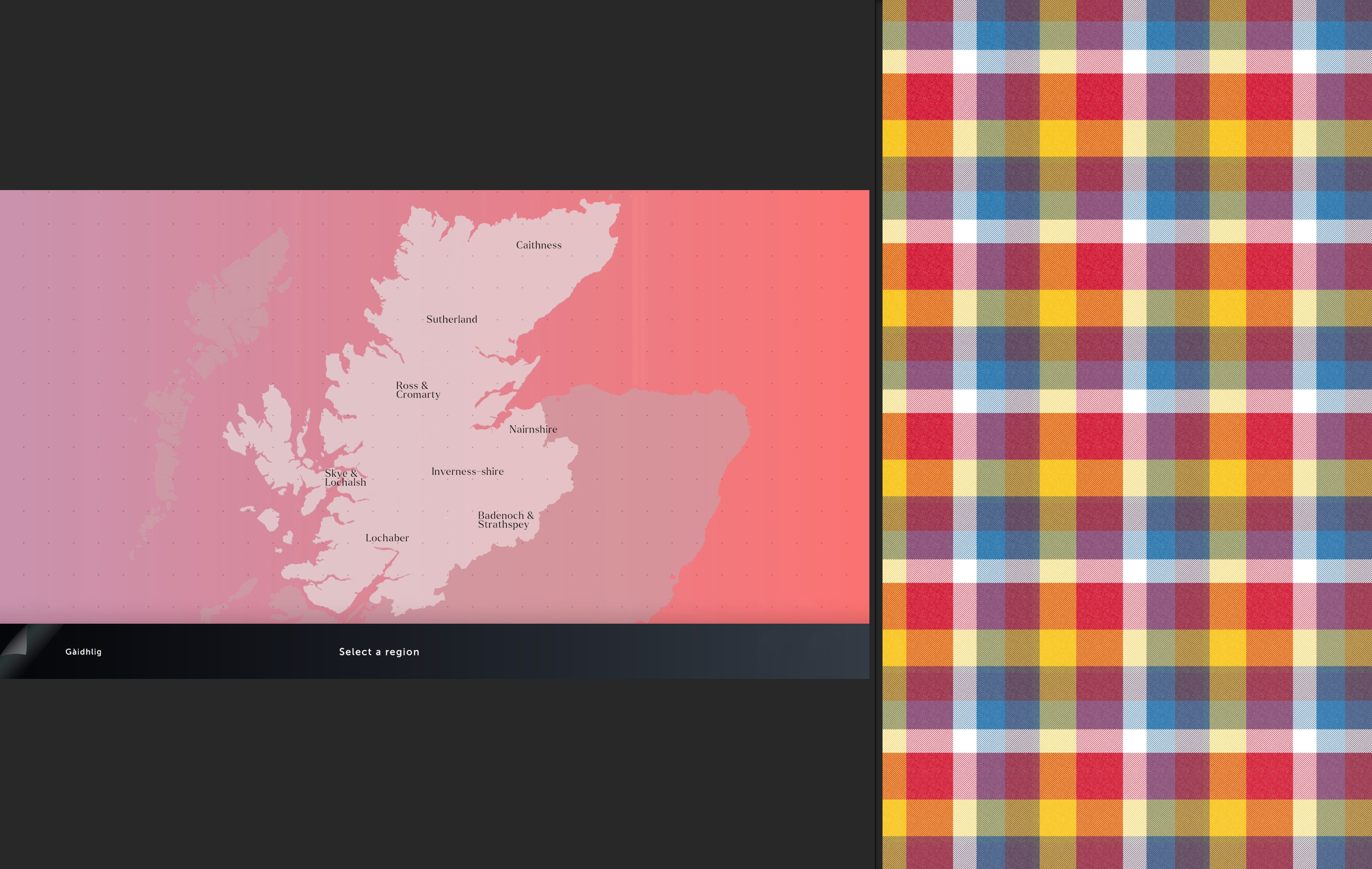
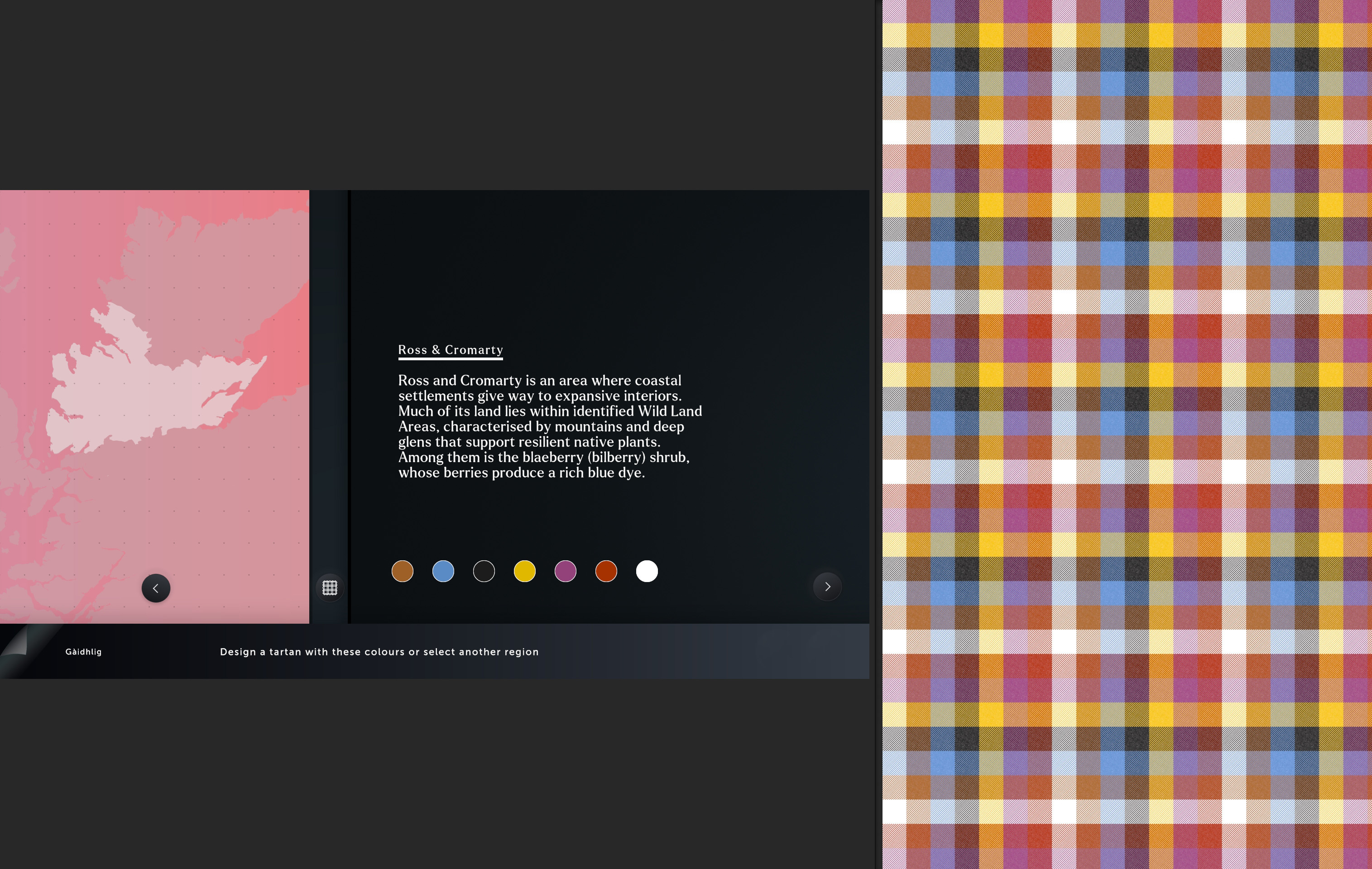
Visitors begin with a short introduction to yarns and dyes, then select from eight regions across the Scottish Highlands. Each region provides a curated colour palette based on traditional dyes.
From there, they can build their own tartan by:
-
selecting and enabling colour groups
-
adjusting thread counts
-
reordering groups via drag-and-drop
-
toggling between symmetric and asymmetric patterns
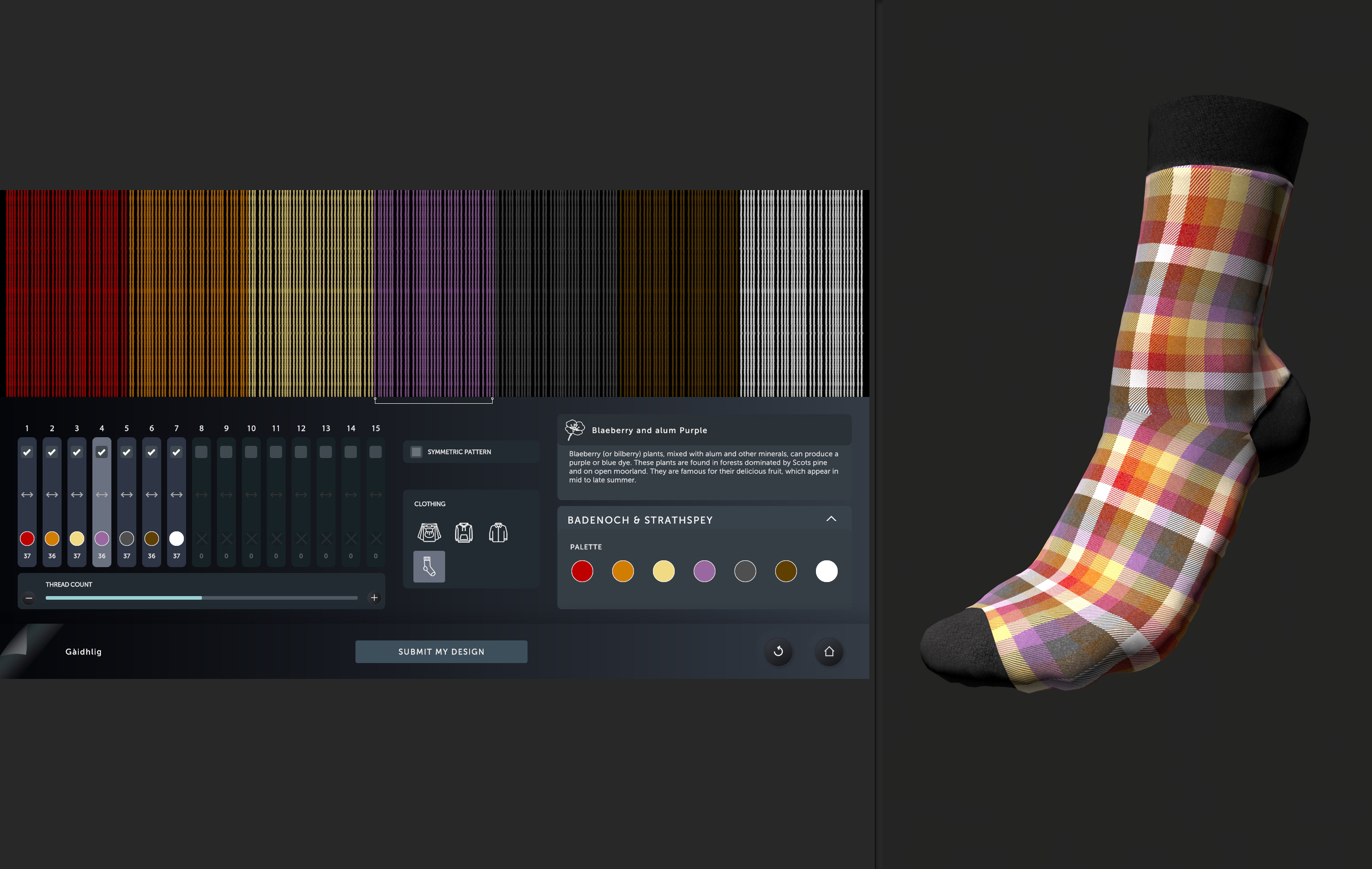
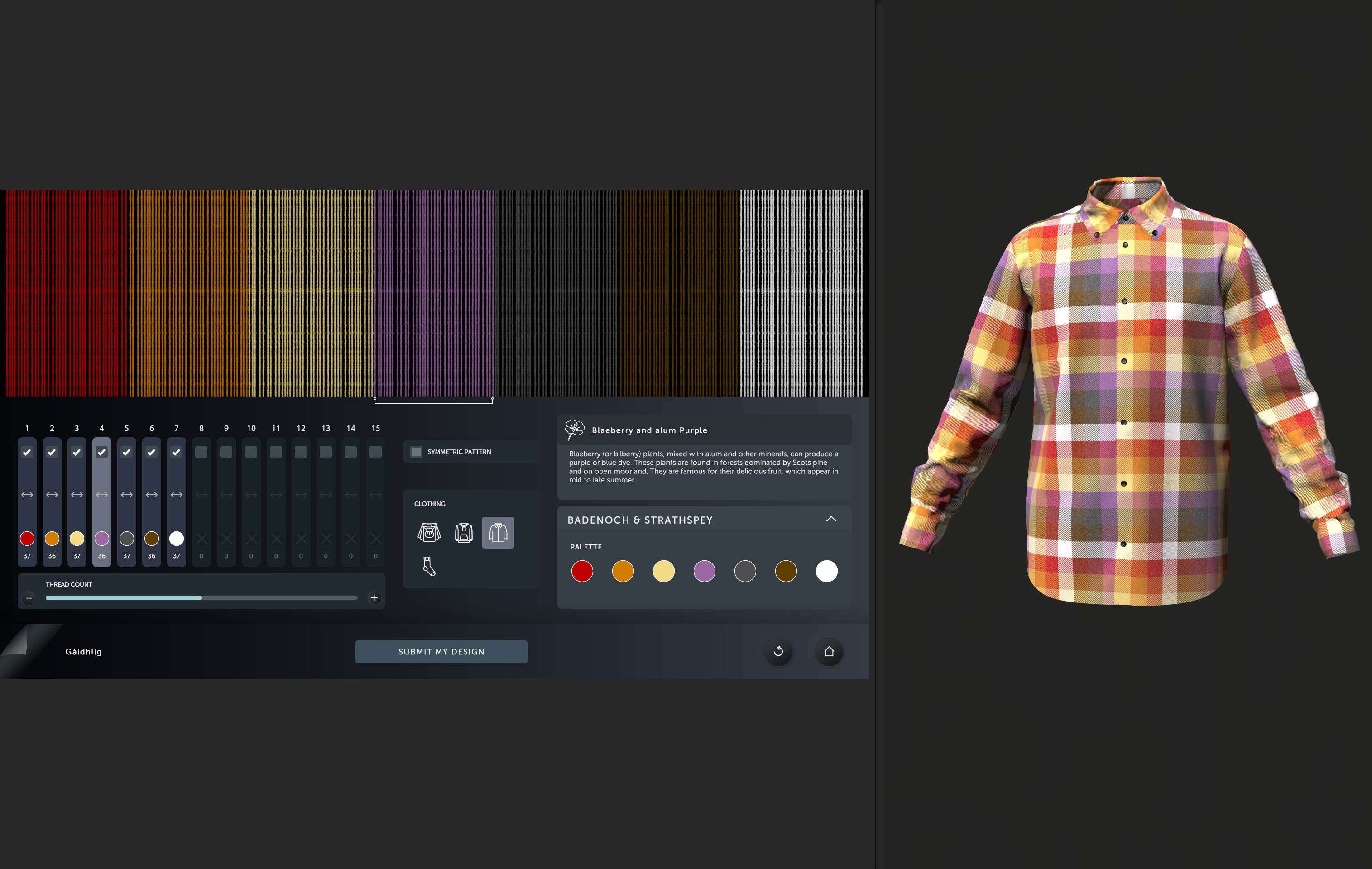
All changes are reflected instantly, both in the loom interface and on a secondary portrait screen displaying the pattern applied to 3D clothing, including a kilt, hoodie, and shirt.
The interactive supports both English and Gaelic, with language switching available at any time. This introduced additional UI challenges, as layouts needed to accommodate significantly longer translated text without compromising clarity.
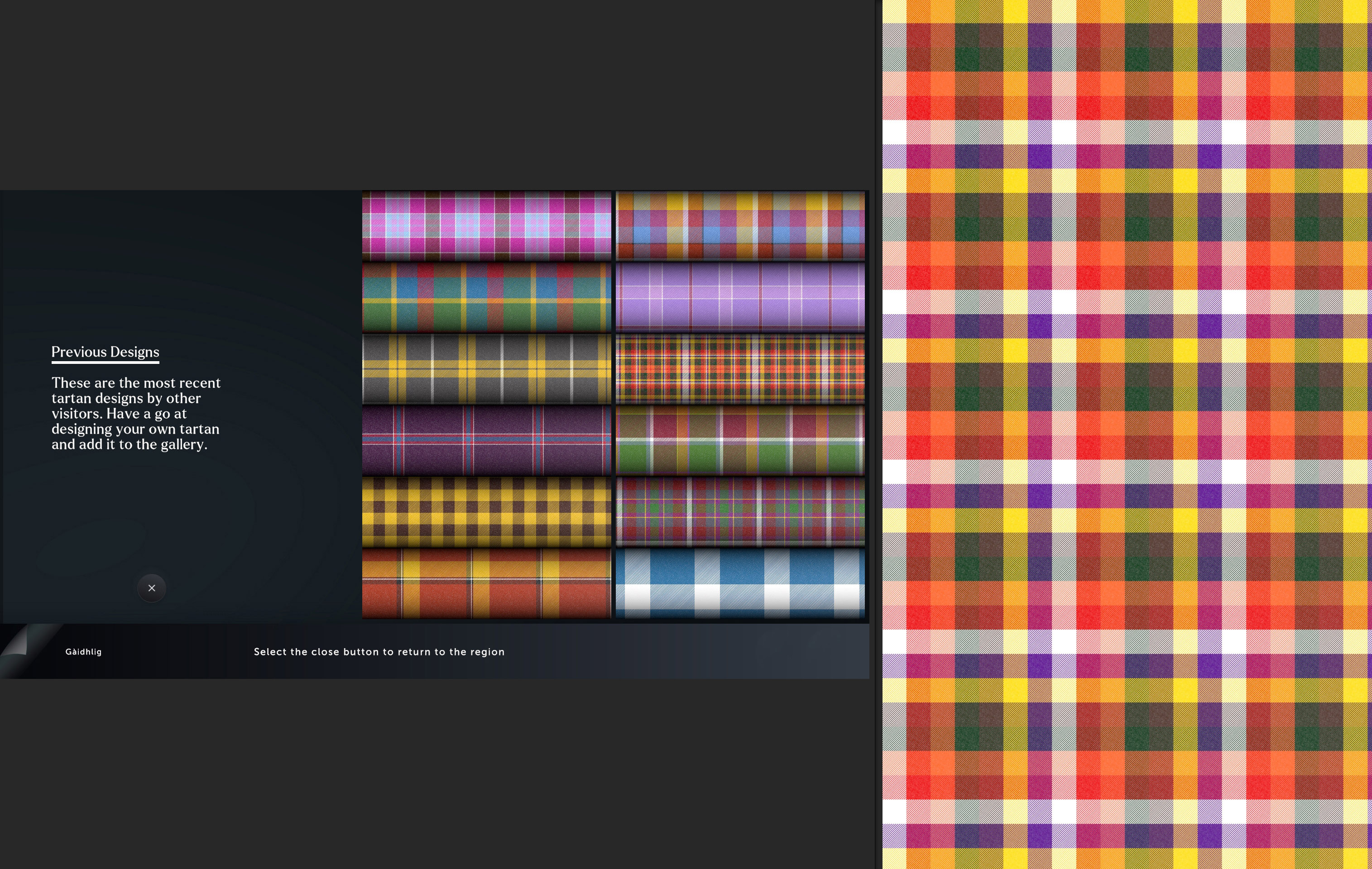
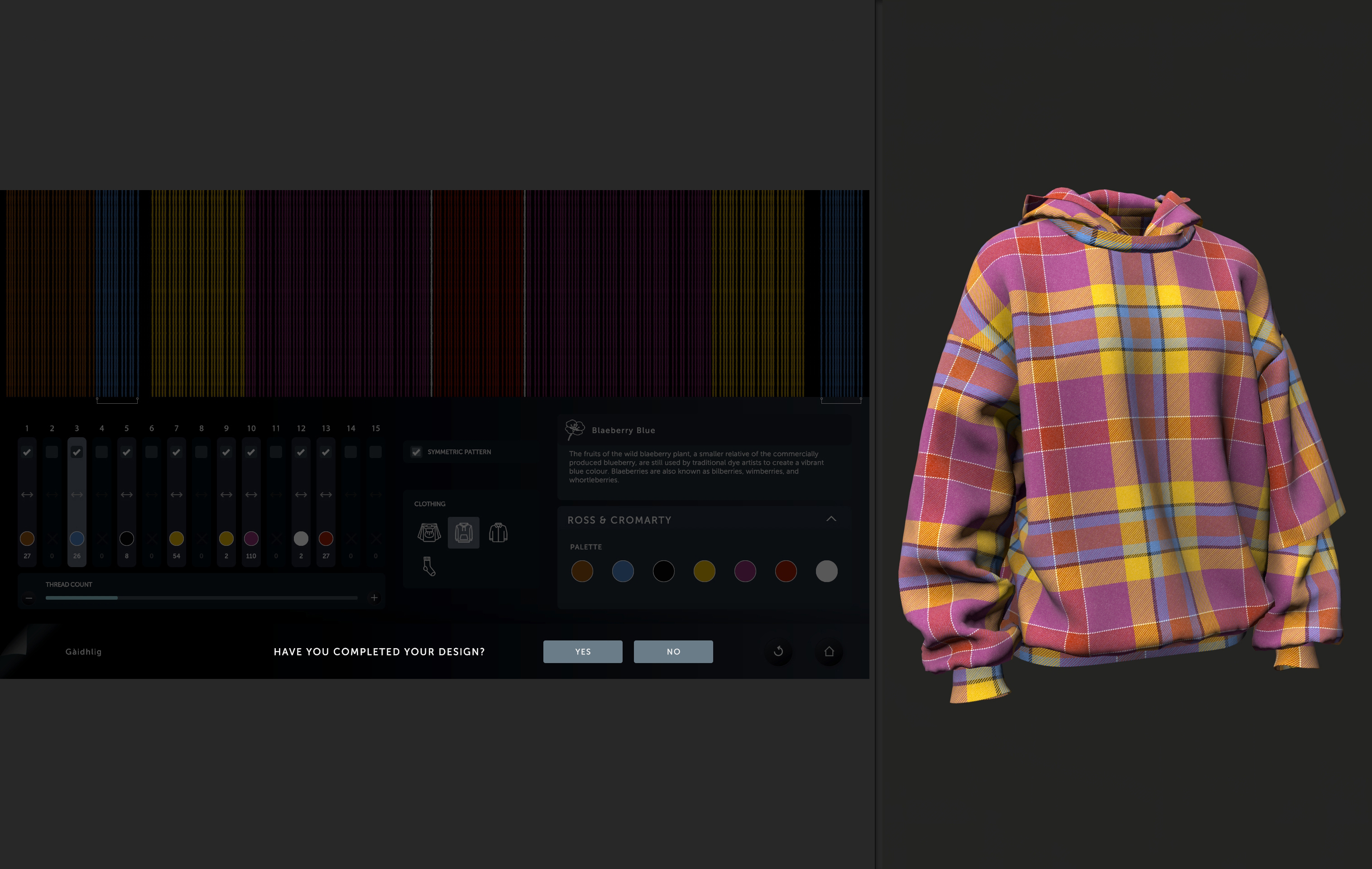
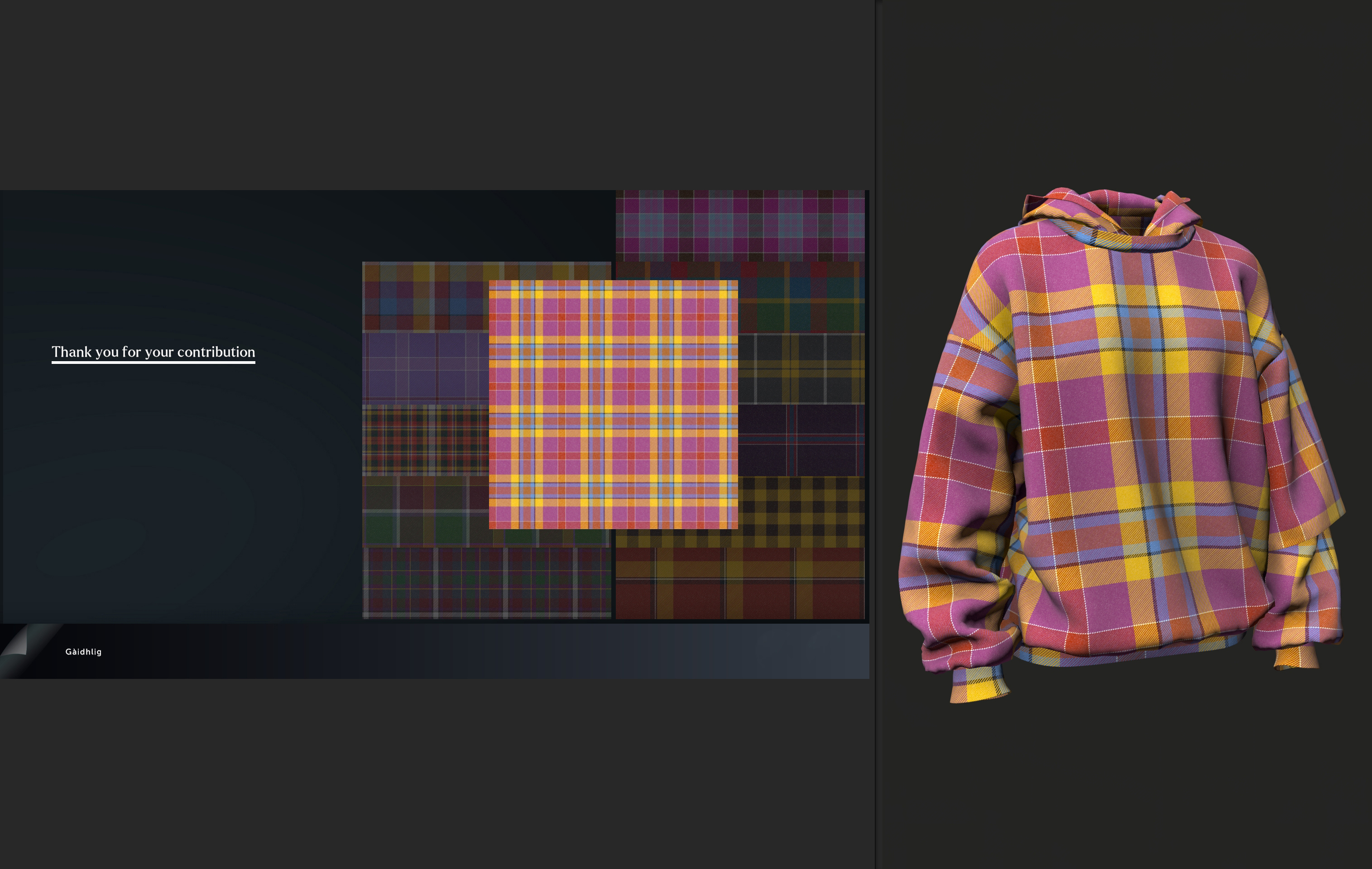
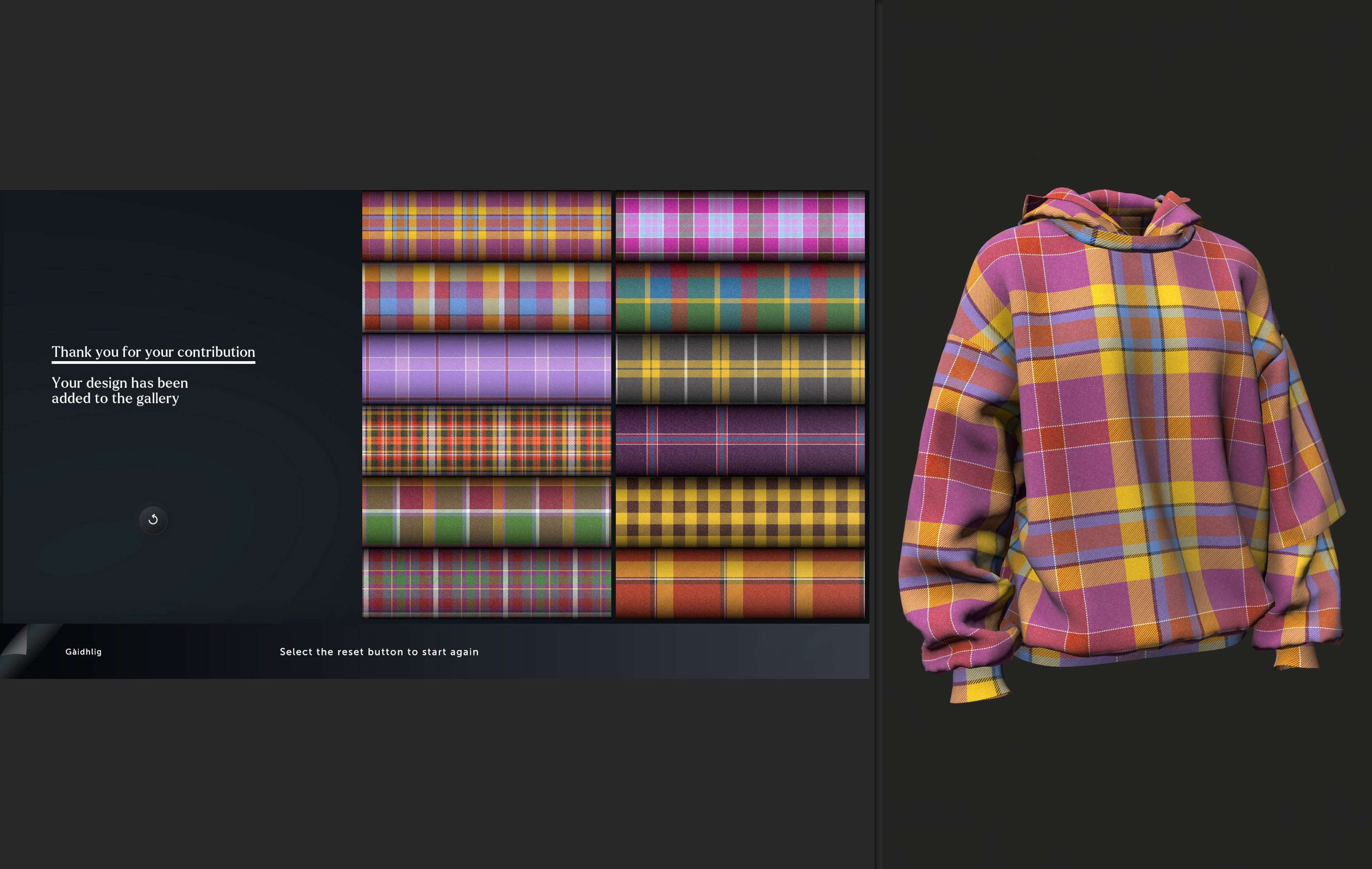
Completed designs can be added to a shared gallery, allowing visitors to see and build upon each other’s creations. Outside of active use, the screensaver generates and displays random tartans, ensuring the installation remains visually engaging at all times.
Credits
Simon Kendrew: Software development, prototype, concept, tartan shader creation, led the design of tartan designer UI controls.
AY-PE: Concept, UI design
Fusion LX: Installation photo
Developed while employed as Senior Software Developer at AY-PE.